

You can reset one mailbox password or delete a mailbox from Email & webmail on the hosting service.
Open this page on ServersCrest.
Find the exact mailbox
Open Email & webmail and find the mailbox. Match the whole email address. hello@example.com and hello@anotherdomain.com are different mailboxes.
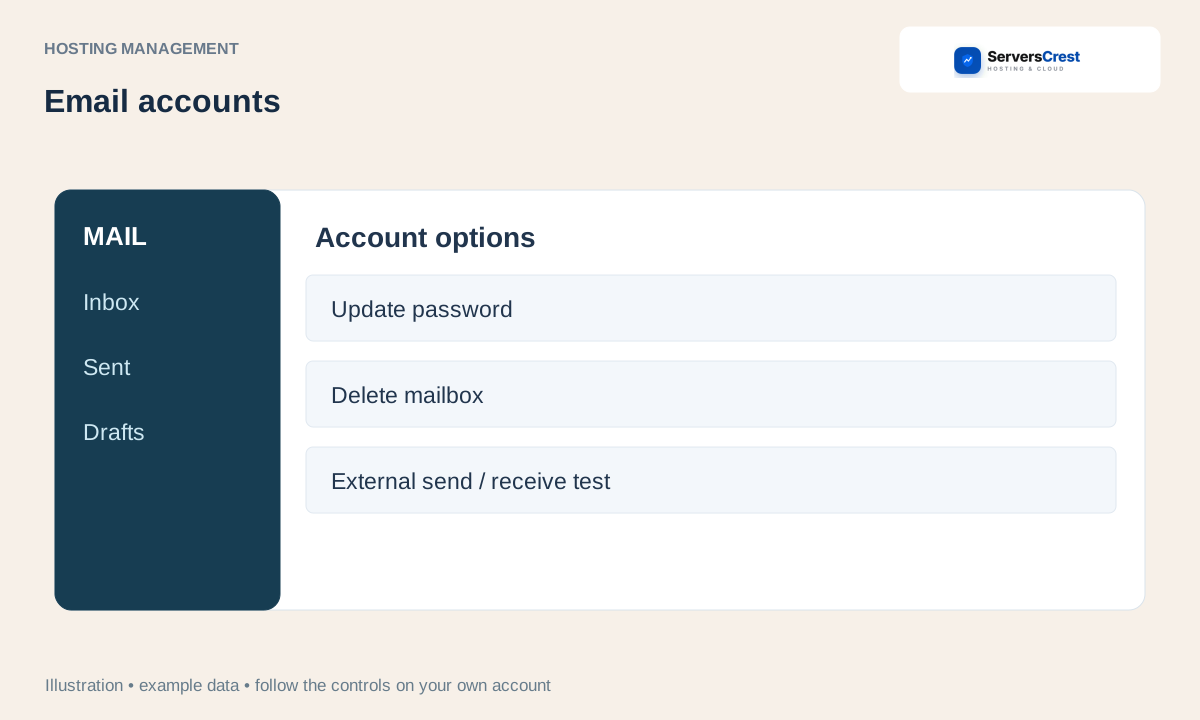
Expand Account options. The options apply to that row only. Leave the other mailbox rows unchanged.
To reset access, enter a strong password and choose Update password. Save the new password, then update the email app on your phone or computer. It will still try the old password until you change it there.
To remove it, export needed mail first, tick the deletion confirmation and choose Delete mailbox. Download or export the messages you need before confirming deletion. Resetting a password keeps the mailbox; deleting it removes it.
Log in to cPanel from your service page · Log in to DirectAdmin from ServersCrest
Need help with this? Send us a ticket and tell us which page you reached and what happened.
