

Webmail lets you read hosted email in your browser. Open it from the mailbox you want to use on your hosting service.
Open this page on ServersCrest.
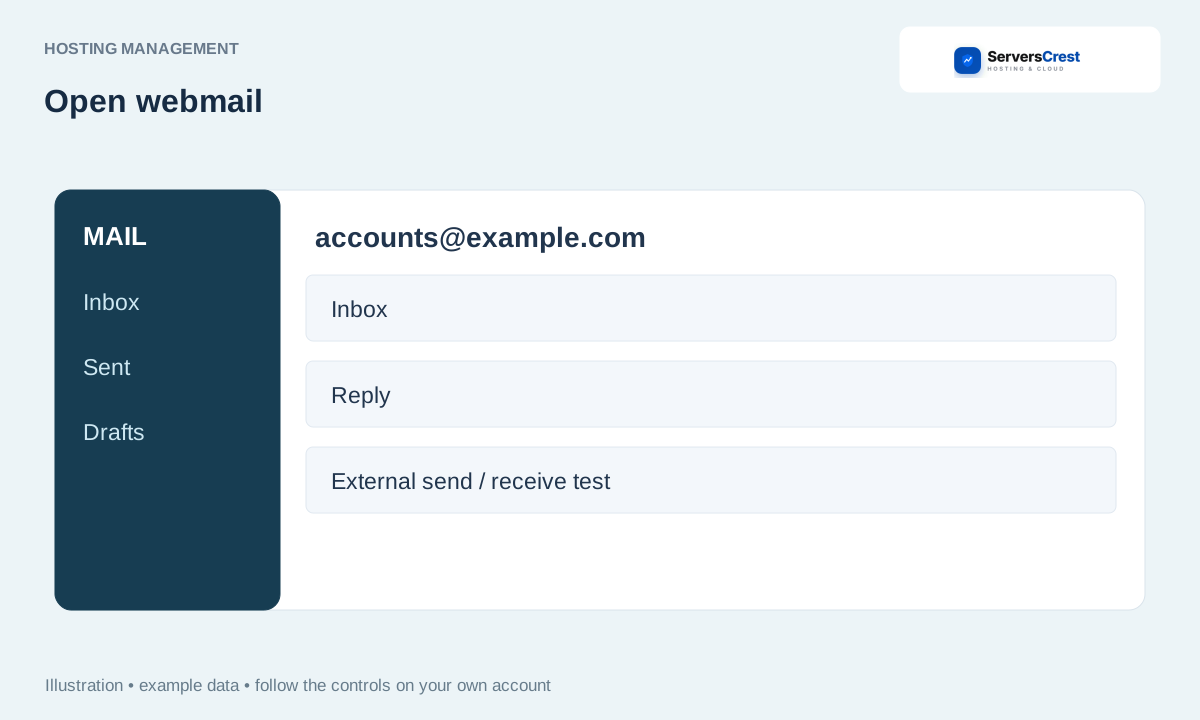
Choose the hosted mailbox
Open the service and choose Email & webmail. Choose the hosting account that contains the email address.
Find the mailbox and click Open webmail. Use the button on the exact mailbox row. This helps you avoid opening a different address on the same domain.
Allow the new tab and confirm the mailbox address. Check the address when the mail screen opens, especially before sending a reply.
If only Log in to Webmail is offered, follow that screen's sign-in instructions. If a sign-in form appears, use that mailbox address and mailbox password. Your ServersCrest account password is a different password.
Log in to cPanel from your service page · Log in to DirectAdmin from ServersCrest
Need help with this? Send us a ticket and tell us which page you reached and what happened.
