

Moving your website away from ServersCrest? Disconnect its DNS sync so the old hosting connection no longer updates your Cloudflare records.
Open this page on ServersCrest.
Prepare your replacement hosting DNS
Prepare your new provider's DNS requirements before moving. Get the new hosting IP and any new mail records first. Keep your Cloudflare account login so you can manage those records yourself.
Open Manage Cloudflare for the old service. Choose the service you are leaving, even if the website has already moved.
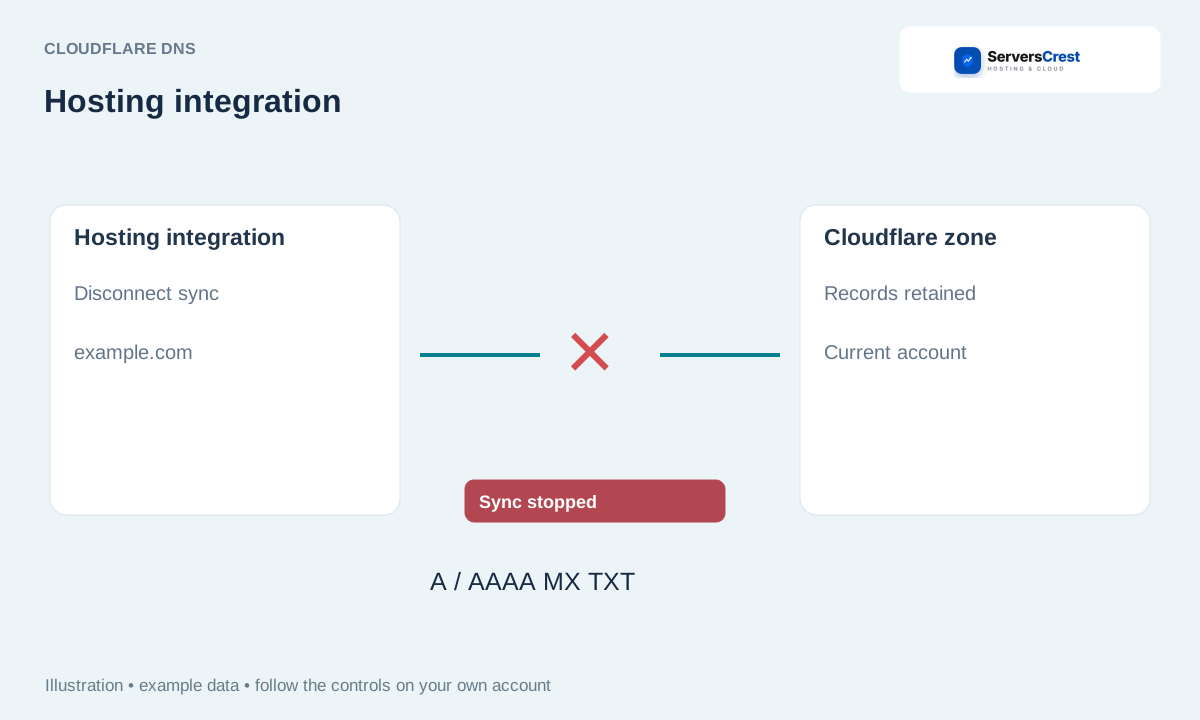
Choose Disconnect sync and read its confirmation. Disconnect sync removes this connection. It does not delete the Cloudflare domain or switch the domain nameservers.
Confirm, then manage future records in Cloudflare or through your new provider. Update Cloudflare with the new provider details, then check the website and mail. Do not leave the old hosting IP there after the move.
Safely remove a domain from Cloudflare · Add your site to Cloudflare through ServersCrest
Need help with this? Send us a ticket and tell us which page you reached and what happened.
