

Need to correct your address or billing details? You can do that from your ServersCrest account without opening a ticket.
Open this page on ServersCrest.
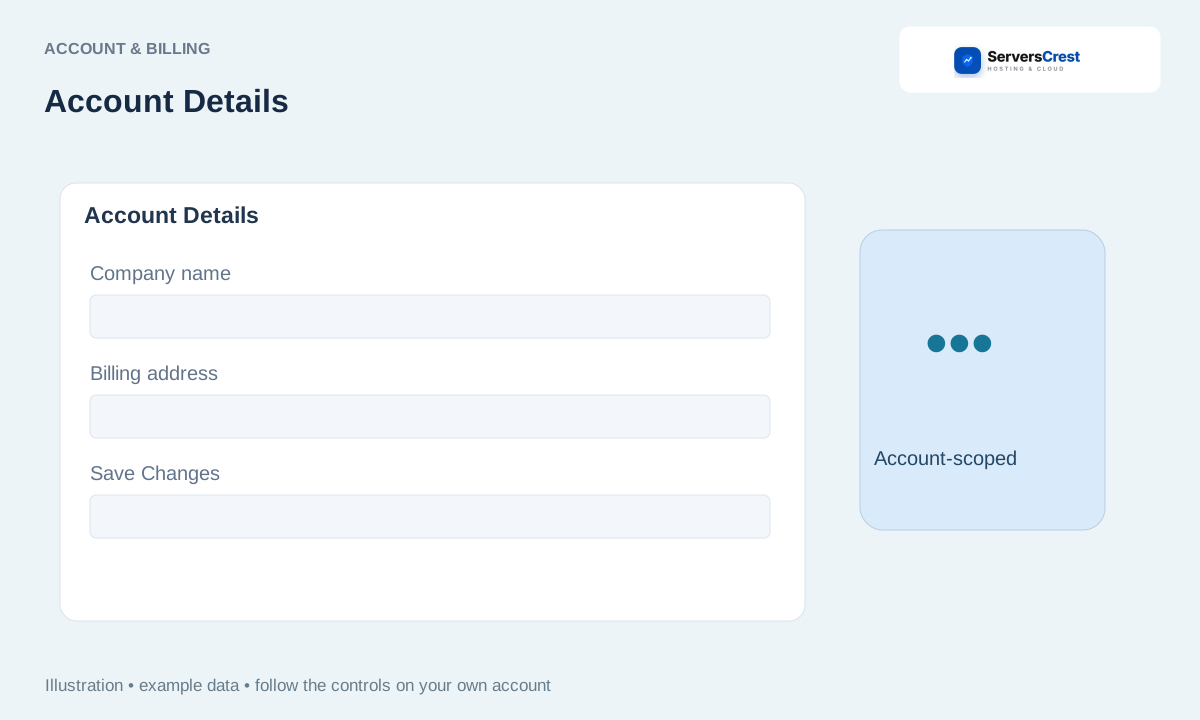
Open Account Details from the account menu
Sign in and open Account Details from the account menu. Open the menu beside your account name and choose Account Details. You should see your current billing profile.
Review your name, company, address, phone and billing email. Use the details you want us to use for your account. Check the email spelling carefully so you can receive account messages.
Update the required fields and save. Change the fields you need, then use the save button at the bottom. Wait for the confirmation before leaving.
Reopen the page to check the saved values. If you also need to change the email you sign in with, check your login-user profile. That can be separate from this billing profile.
Find your way around your ServersCrest dashboard · Change or reset your ServersCrest password
Need help with this? Send us a ticket and tell us which page you reached and what happened.
