

You can use this tool on the ServersCrest Tools page. Paste the exact text you plan to use. Spaces and punctuation affect character counts, so include them. You can edit the text in the box and watch the totals change.
Open Character & Word Counter.
Check the length of your text
Open Tools and choose Character & Word Counter.
Paste or type your text into the box.
See the counts update live.
Watch the character count against common SEO limits.
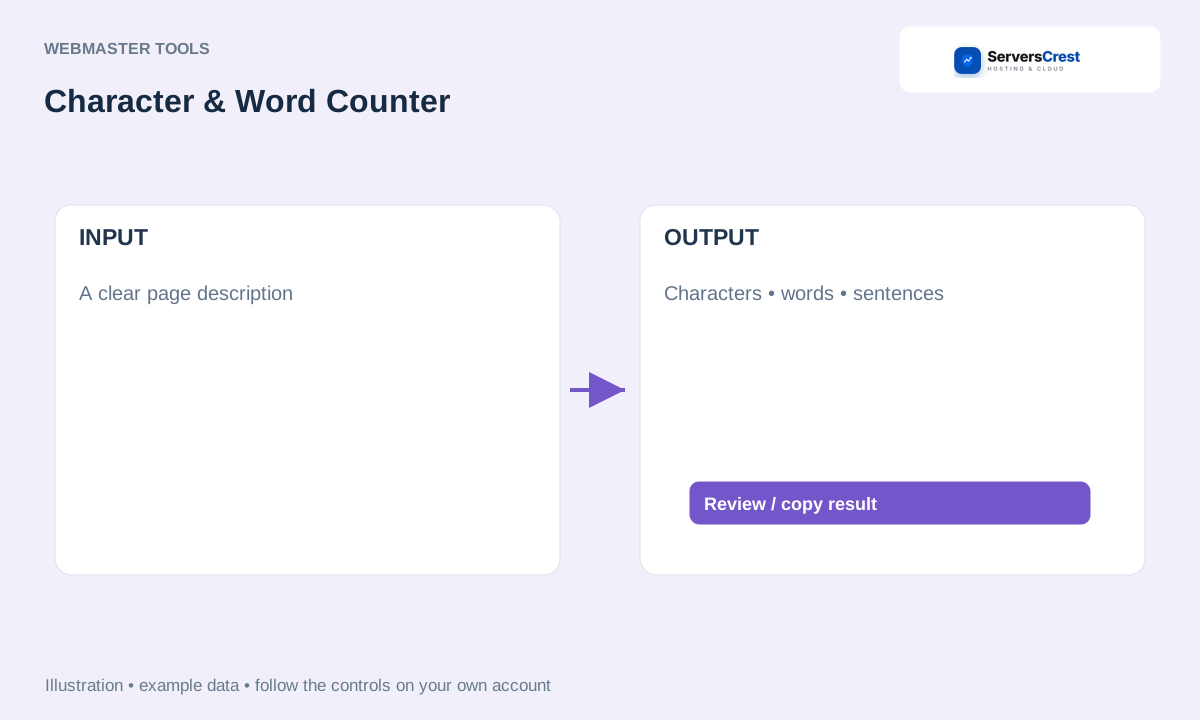
ServersCrest illustration using example details.
For a page title or description, use the count as a guide rather than a guarantee of how a search engine will display it. Read the finished sentence too.
How to use QR Code Generator · How to use Get Links from Sitemap
Need help with this? Send us a ticket and tell us which page you reached and what happened.
