

You can use this tool on the ServersCrest Tools page. Enter the public website address for a crawl, or paste the exact page URLs you want included. Leave out login pages, private pages and addresses that redirect elsewhere.
Create a sitemap for your own website
Open Tools and choose Create a Sitemap.xml.
Enter your website URL and click Crawl or paste your own URLs below.
Optionally set a change frequency and priority.
Click Generate, then copy or download sitemap.xml.
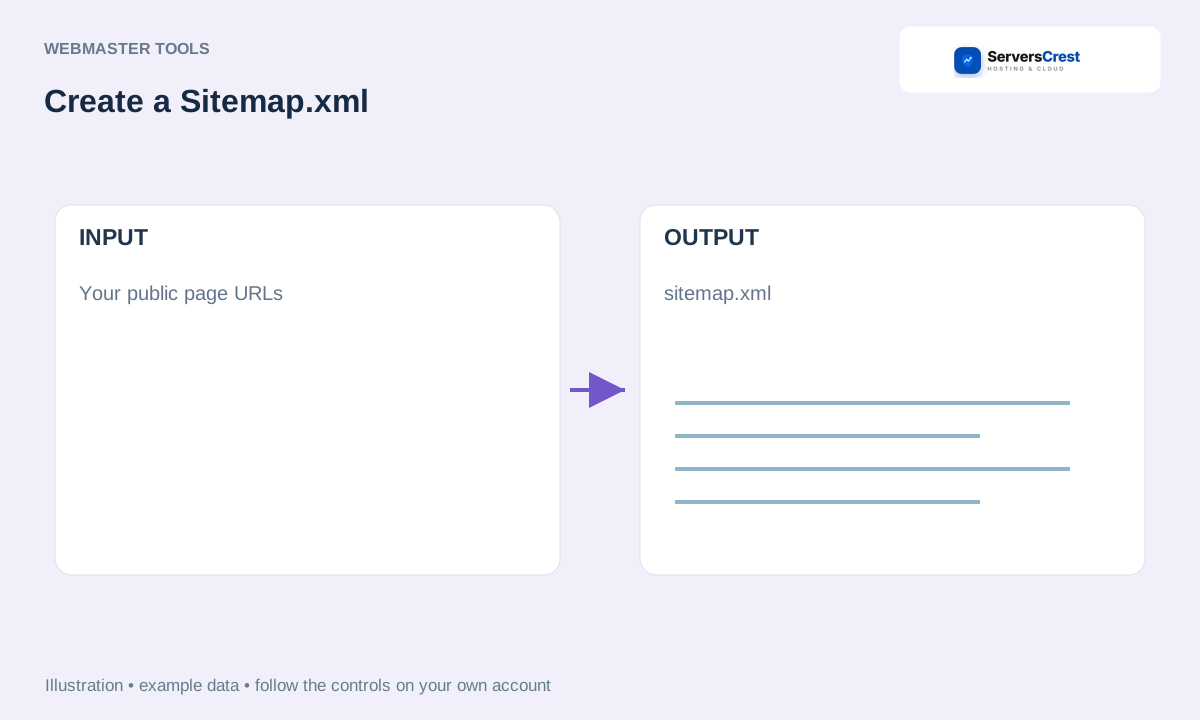
Download sitemap.xml and upload it to the intended website location. Open its public URL to check it, then submit that URL through your search-engine tools. Generating the file does not upload or submit it for you.
How to use QR Code Generator · How to use Character & Word Counter
Need help with this? Send us a ticket and tell us which page you reached and what happened.
