

You can use this tool on the ServersCrest Tools page. Open the tool from the computer or phone whose internet address you want to check. If a VPN is active, the result may be the VPN address.
Find the public IP of this connection
Open Tools and choose My IP Address.
Open the tool your details load automatically.
Copy your IP address if you need it.
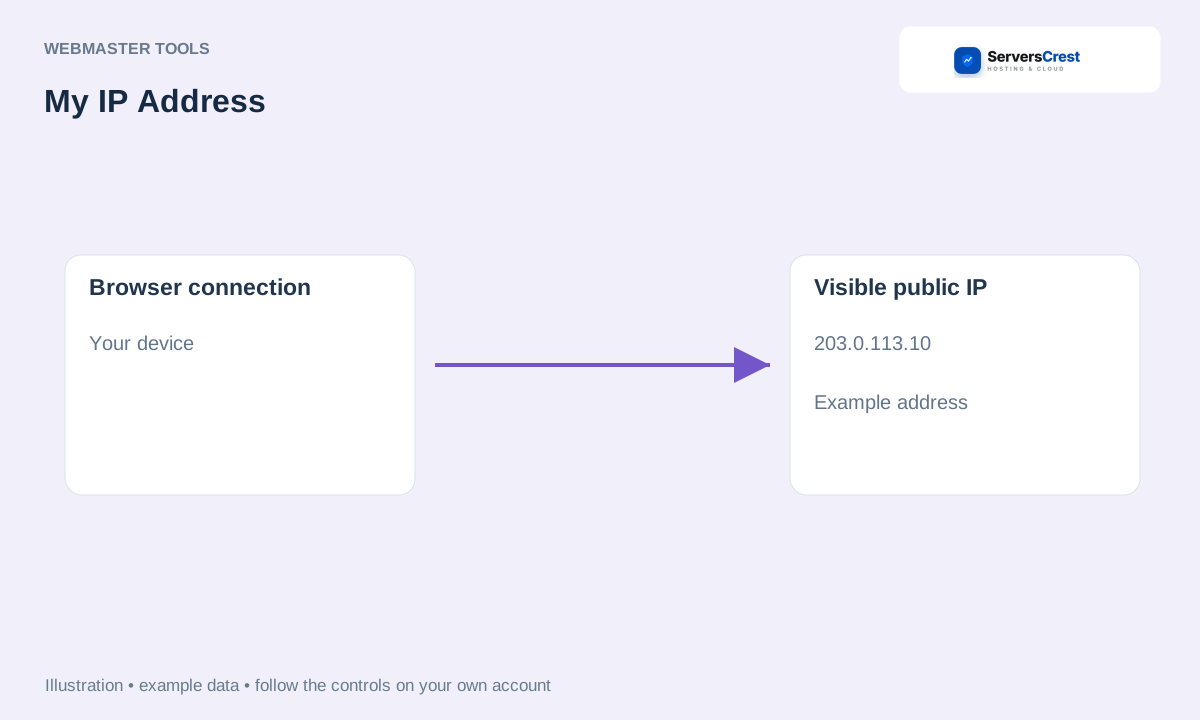
ServersCrest illustration using example details.
Use this when support asks for your browsing IP. Do not use it as the server IP for a reseller API restriction: your WHMCS server can have a different outgoing address.
How to use QR Code Generator · How to use Character & Word Counter
Need help with this? Send us a ticket and tell us which page you reached and what happened.
