

You can use this tool on the ServersCrest Tools page. Choose Encode when you need special characters represented in a URL value. For example, blue chair becomes blue%20chair. Choose Decode to read an encoded value.
Convert text for a URL
Open Tools and choose URL Encode / Decode.
Choose Encode or Decode.
Paste your URL or text.
Copy the converted result.
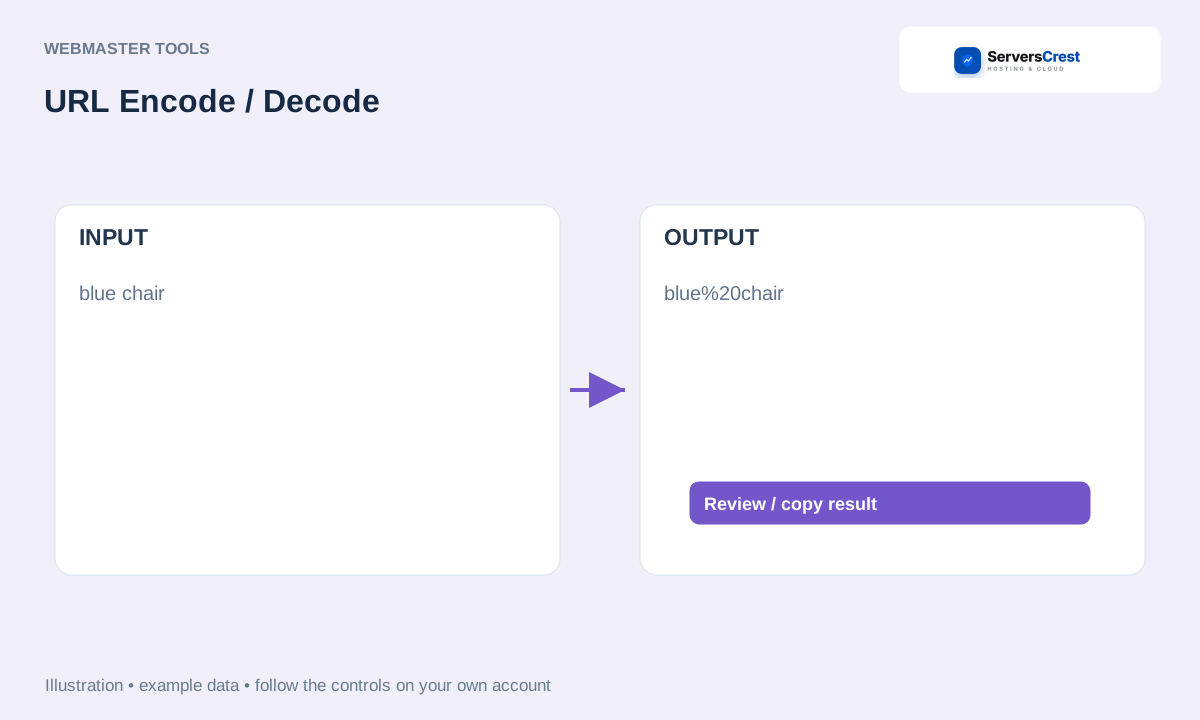
ServersCrest illustration using example details.
Use the result in the place that expects that format. Encoding an entire URL when only one field value needs it can change how the URL works.
How to use QR Code Generator · How to use Character & Word Counter
Need help with this? Send us a ticket and tell us which page you reached and what happened.
