

You can use this tool on the ServersCrest Tools page. Paste the HTML you want to turn into plain text. For example, a paragraph with bold markup becomes readable text without those tags.
Copy text without its HTML tags
Open Tools and choose Strip HTML Tags.
Paste your HTML.
See the plain-text result.
Copy it.
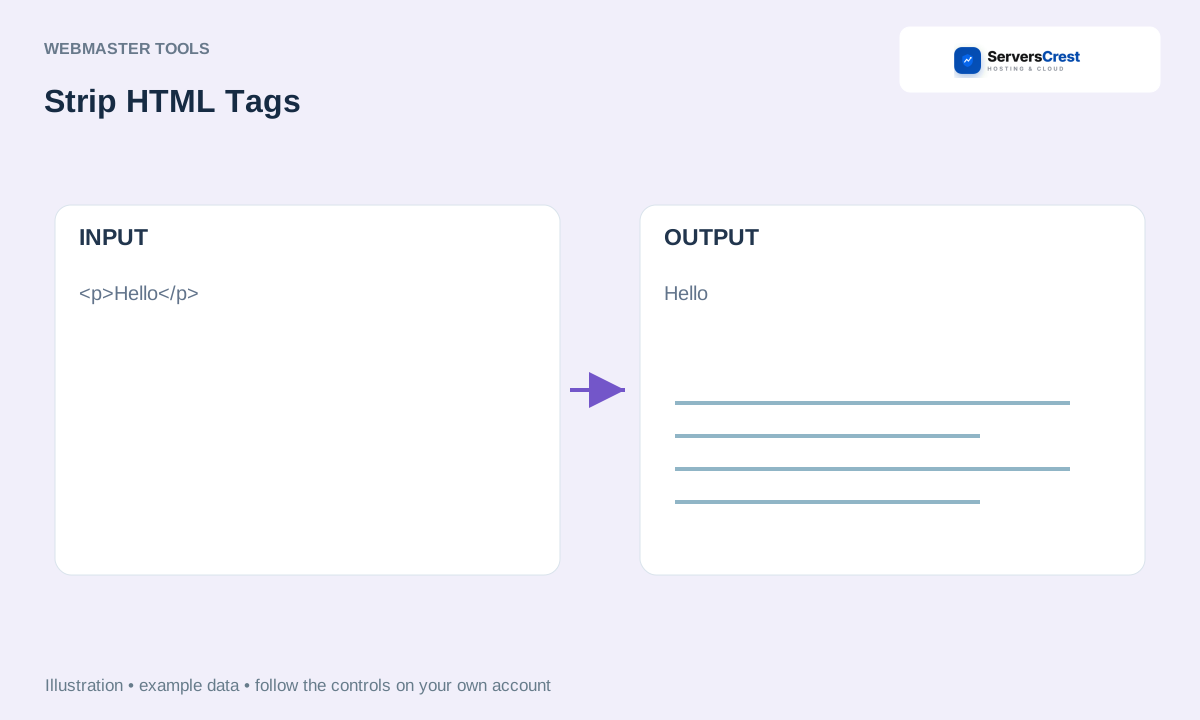
ServersCrest illustration using example details.
Check spacing and line breaks in the result before pasting it into a document or form. Keep the original HTML if you still need its links or formatting.
How to use QR Code Generator · How to use Character & Word Counter
Need help with this? Send us a ticket and tell us which page you reached and what happened.
