

You can use this tool on the ServersCrest Tools page. Paste a copy of the markup into the tool, keeping the original file safe. Click Clean and read the changed result.
Tidy a piece of HTML
Open Tools and choose Clean HTML.
Paste the HTML you want to clean.
Click Clean.
Copy the tidied markup.
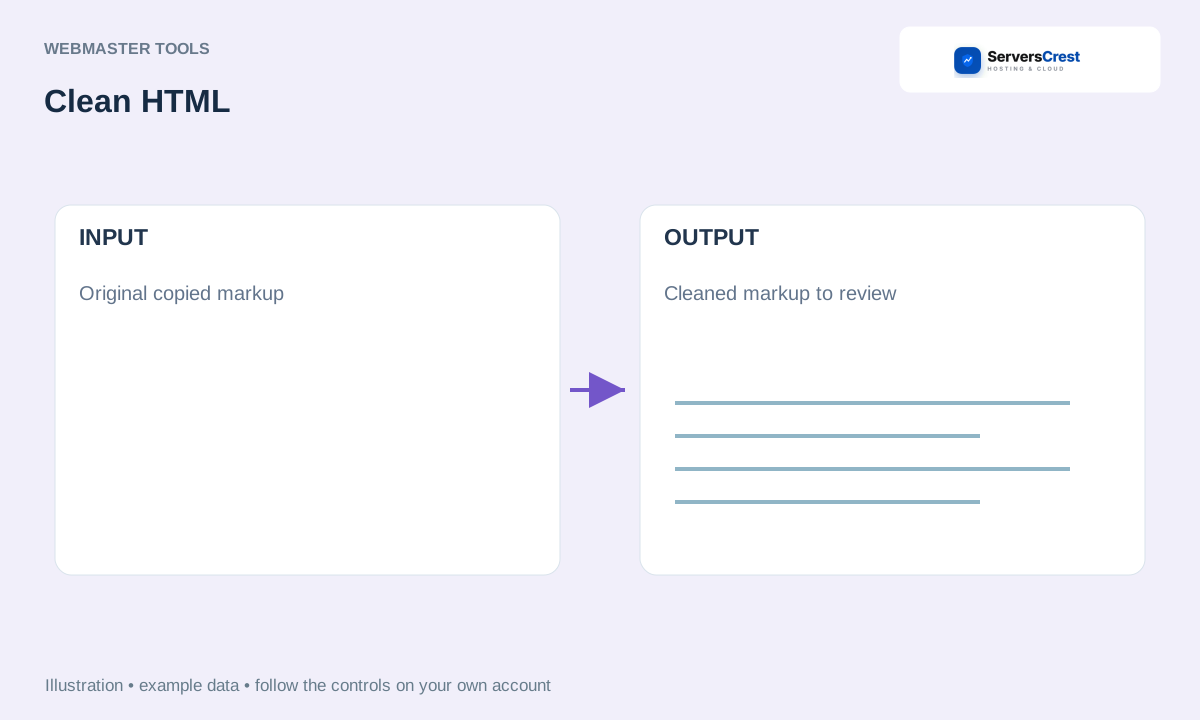
ServersCrest illustration using example details.
Preview the output before replacing live page code. Cleaning markup does not check whether it is safe to run and does not repair every layout or script problem.
How to use QR Code Generator · How to use Character & Word Counter
Need help with this? Send us a ticket and tell us which page you reached and what happened.
