

You can use this tool on the ServersCrest Tools page. Paste the original address, including its scheme, and click Trace. Read the hops in order to see where each redirect sends the request.
Follow a URL through its redirects
Open Tools and choose Redirect Checker.
Paste the starting URL.
Click Trace.
Read each hop and the final destination.
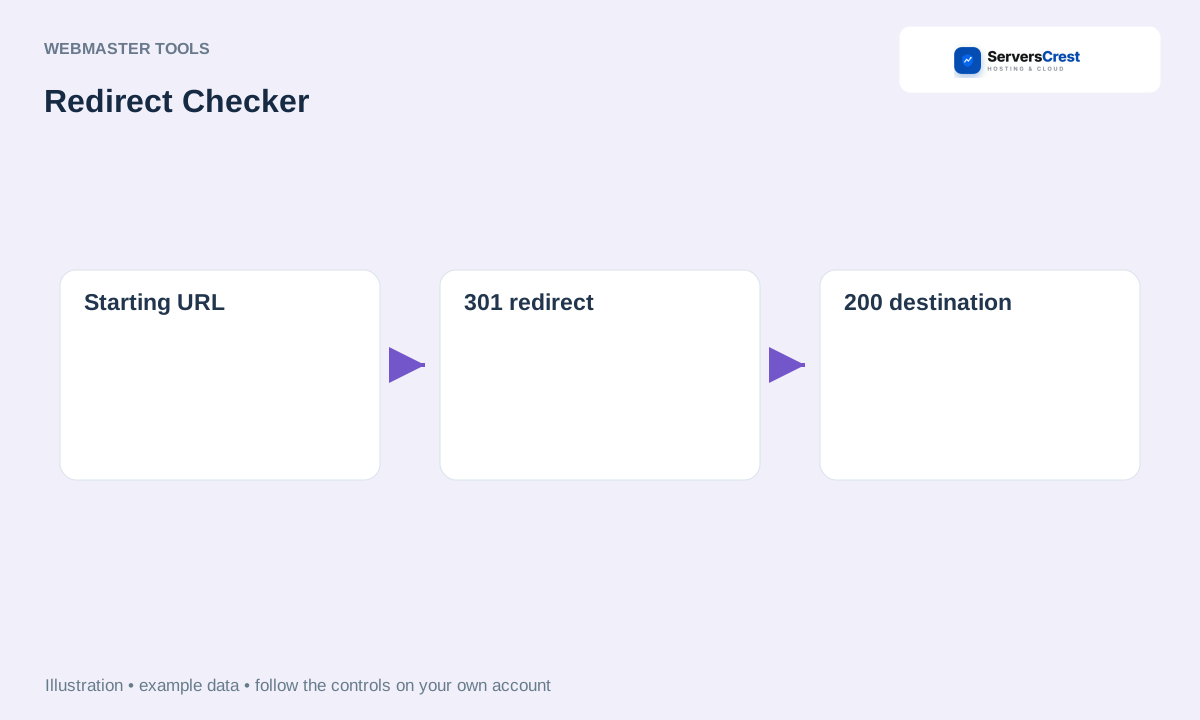
ServersCrest illustration using example details.
If it ends at the wrong place or repeats a loop, check the website redirect settings or server rules. This checker traces redirects; it does not remove or edit them.
How to use QR Code Generator · How to use Character & Word Counter
Need help with this? Send us a ticket and tell us which page you reached and what happened.
