

You can use this tool on the ServersCrest Tools page. Put the earlier text on the left and the revised text on the right. Use complete matching sections so the comparison is easy to follow.
Find what changed between two texts
Open Tools and choose Compare Texts.
Paste the original text on the left.
Paste the new text on the right.
Review the highlighted differences.
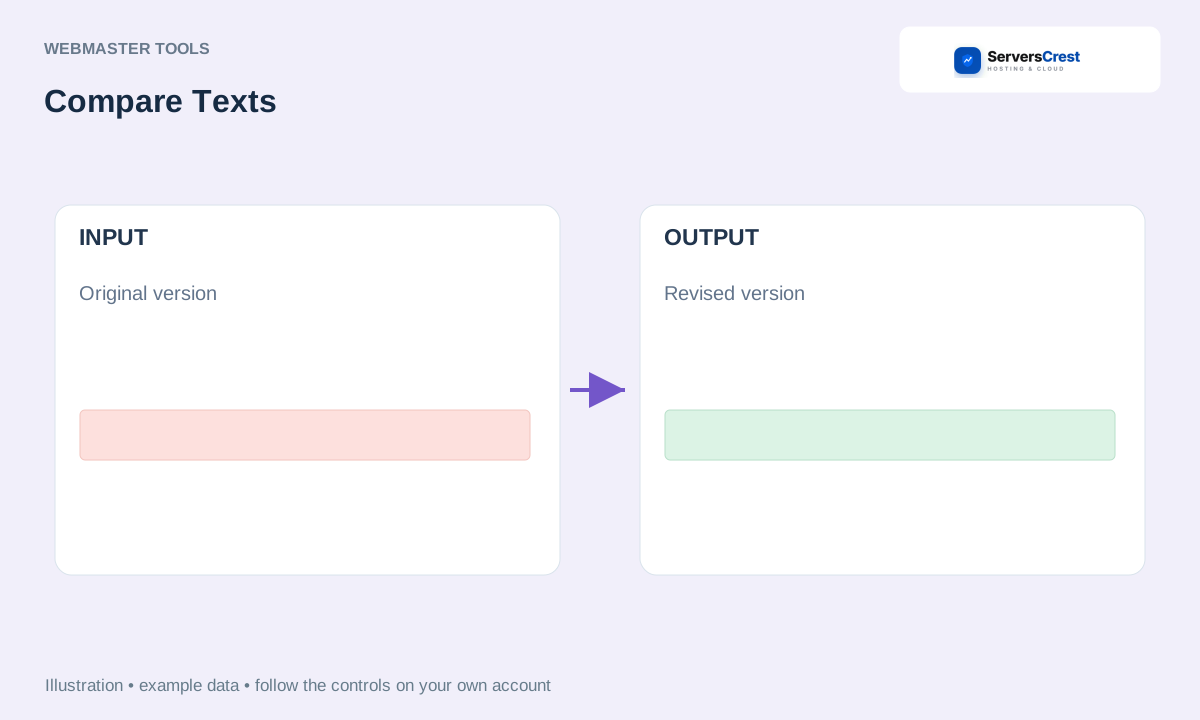
ServersCrest illustration using example details.
Read the highlighted additions and removals before choosing what to keep. The tool compares your copies; it does not save either version back to your website.
How to use QR Code Generator · How to use Character & Word Counter
Need help with this? Send us a ticket and tell us which page you reached and what happened.
