

Verify the email on your ServersCrest account so you can complete the account checks requested on the website.
Open this page on ServersCrest.
Check the account email address
Check that the email address on your account is correct. Correct any spelling mistake in the account email before requesting another message.
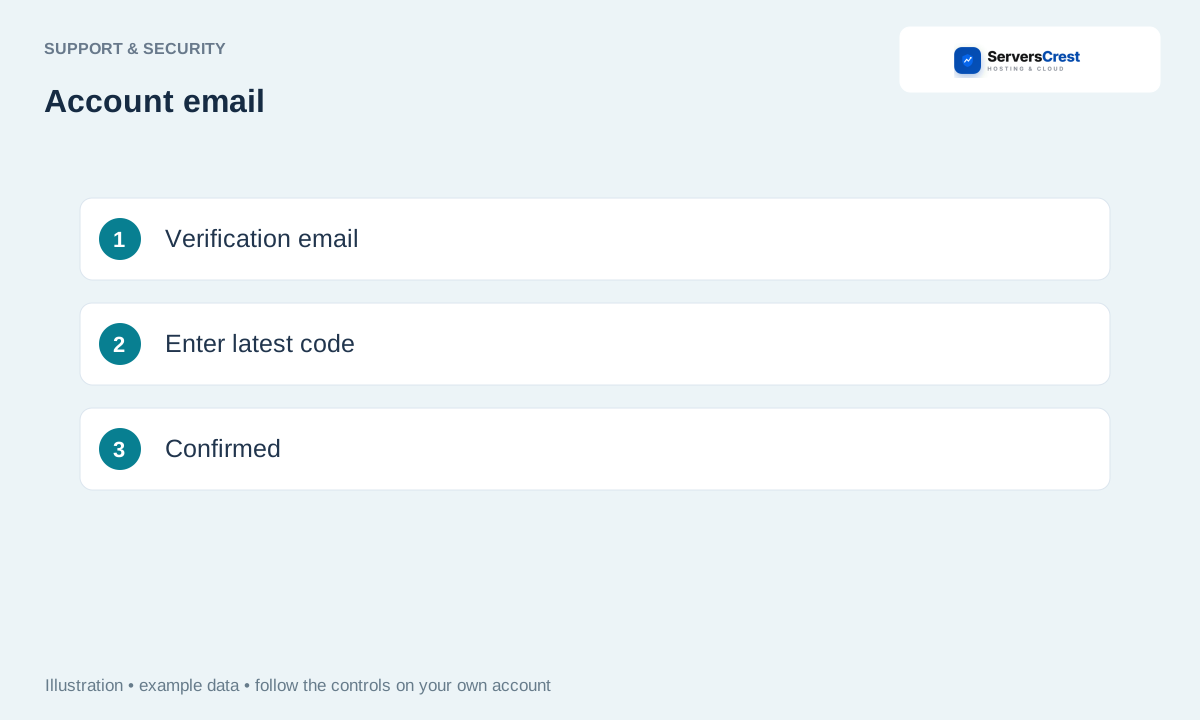
Request verification using the offered account screen. Keep the verification page open if it asks you to enter a code there.
Open the email and follow its link or enter the code as instructed. Use the newest message. If it asks for a code, enter that code on the verification page; if it gives a link, open that link.
Return to the site and check that verification is confirmed. If it still asks you to verify, tell support what the page says. Do not send the verification code in an ordinary chat message.
Review your account security settings · Get help with Ask ServersCrest
Need help with this? Send us a ticket and tell us which page you reached and what happened.
