

If your website is unavailable, check Network Status on ServersCrest to see whether the team has posted a notice about the affected service.
Open this page on ServersCrest.
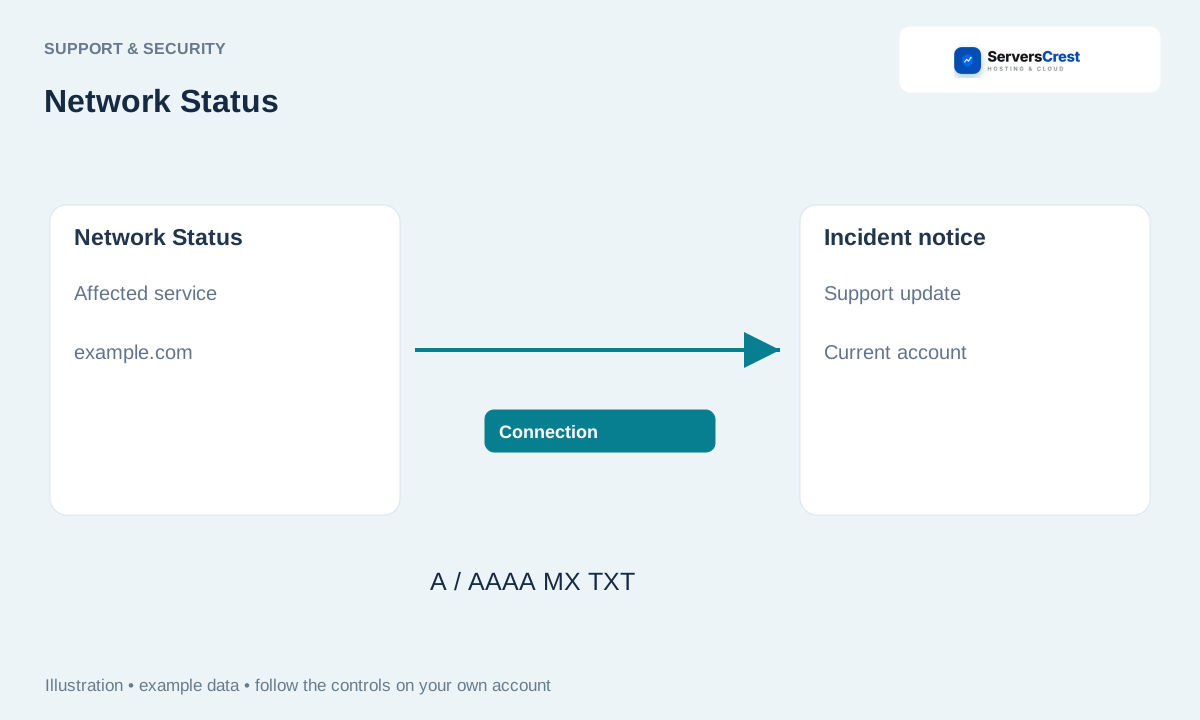
Open Network Status from Support
Open Network Status from the site or support menu. You can reach the status page from the support links.
Read current notices and their affected services. Read the update time as well as the title. An old resolved notice may not explain a new problem.
Compare the notice with your hosting domain and the time the problem began. Check whether your service is part of the affected server or network named in the notice.
If your problem is not covered, open a ticket with the affected service and error. Give support the domain, when it stopped working and the error you see. A working status page does not rule out a problem with one account.
Review your account security settings · Get help with Ask ServersCrest
Need help with this? Send us a ticket and tell us which page you reached and what happened.
