

Missed an account email? Check Email History in ServersCrest for messages recorded on your account.
Open this page on ServersCrest.
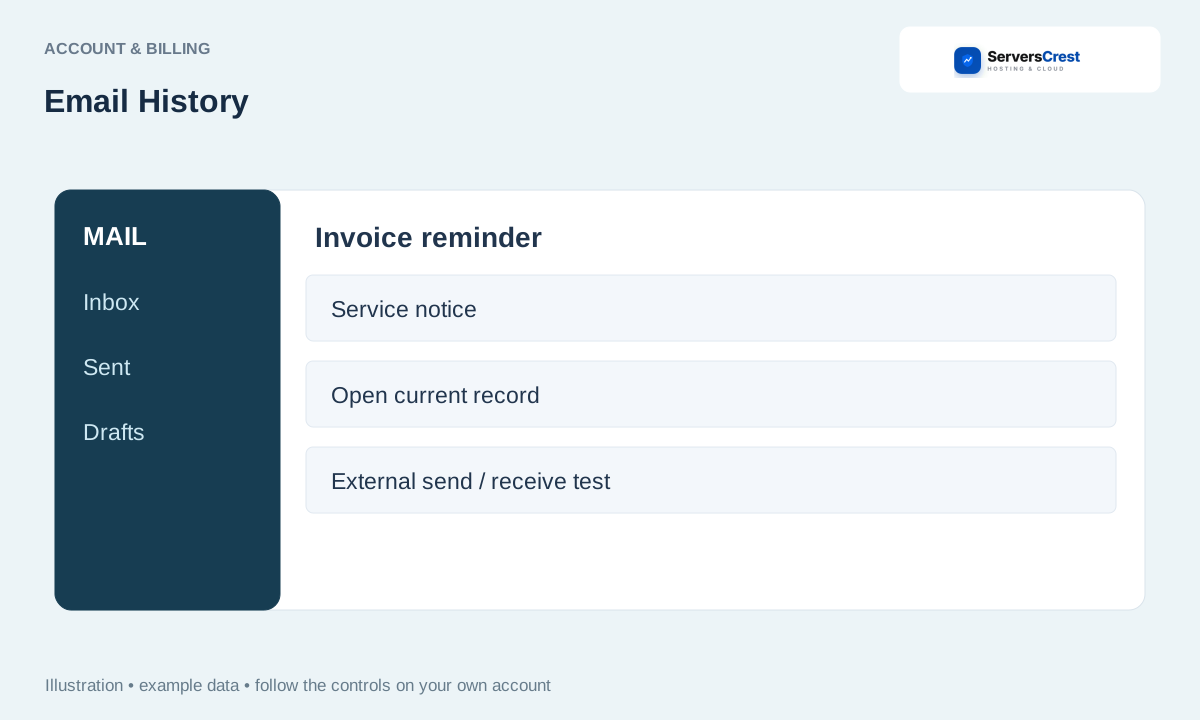
Open Email History for the customer account
Sign in and open Email History in the account area. Use the same account the message was sent to.
Find the message by date and subject. Look around the date of your order, payment or support request rather than only checking the latest message.
Open it and check the related invoice or service directly. Use the dashboard to check the current invoice or service status, especially if you are reading an old email.
Ask support if a message you need is missing. Include the approximate date and subject when asking support to help find a message.
Find your way around your ServersCrest dashboard · Update your account and billing details
Need help with this? Send us a ticket and tell us which page you reached and what happened.
