

If you want the ServersCrest team to build a website for you, use the professional website packages rather than just downloading a generated page.
Open this page on ServersCrest.
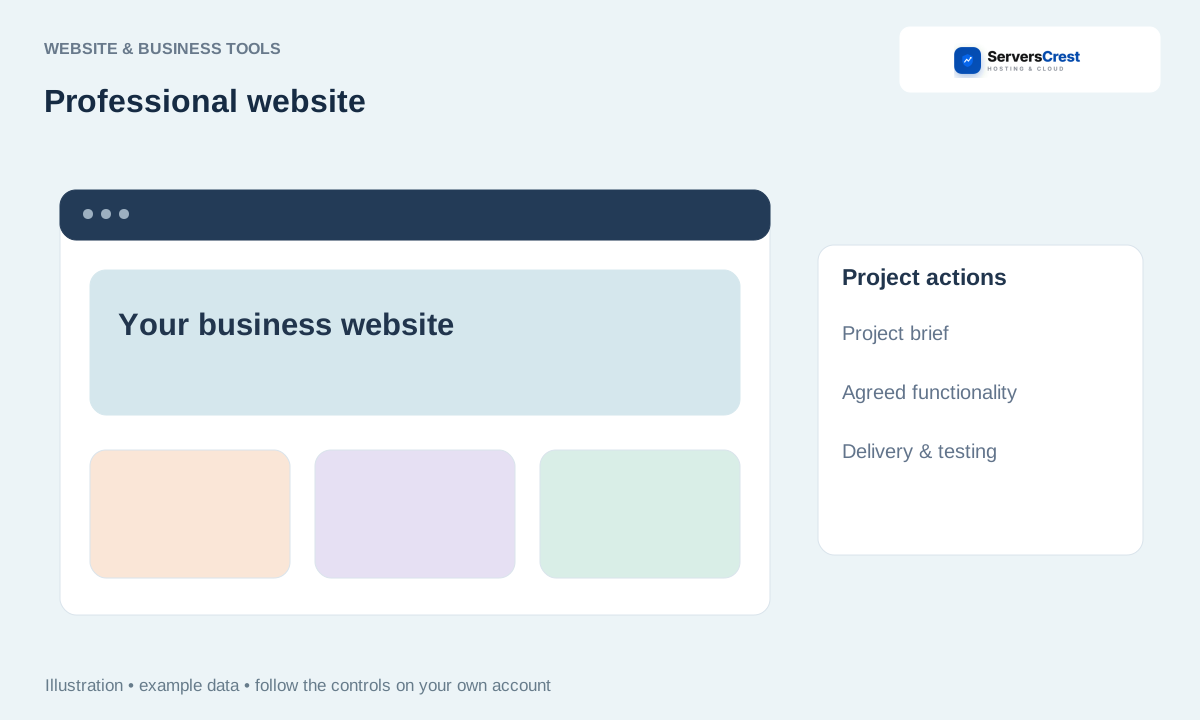
Find the professional packages below Website Generator
Open Website Generator and find the professional website packages. Look for the package that fits the number and type of pages you need.
Review the package scope, deliverables and price before choosing it. Read what is included. A simple business website and a working online shop need different work.
Provide the requested project details and review the order or invoice. Use the same ServersCrest account for the order and project communication.
Agree content, functionality and revision requirements through support. Send the page list, business text, contact details and any existing branding requested. Agree which functions the finished site must support.
Track the project in My Websites and test the delivered website before publishing. Test the delivered links and forms and send a clear revision list before approving the work.
Create and download a logo concept · Generate, preview and download a website
Need help with this? Send us a ticket and tell us which page you reached and what happened.
