

You can order hosting from the plan page on ServersCrest. Keep the order summary in view as you choose the plan, domain and billing period.
Open this page on ServersCrest.
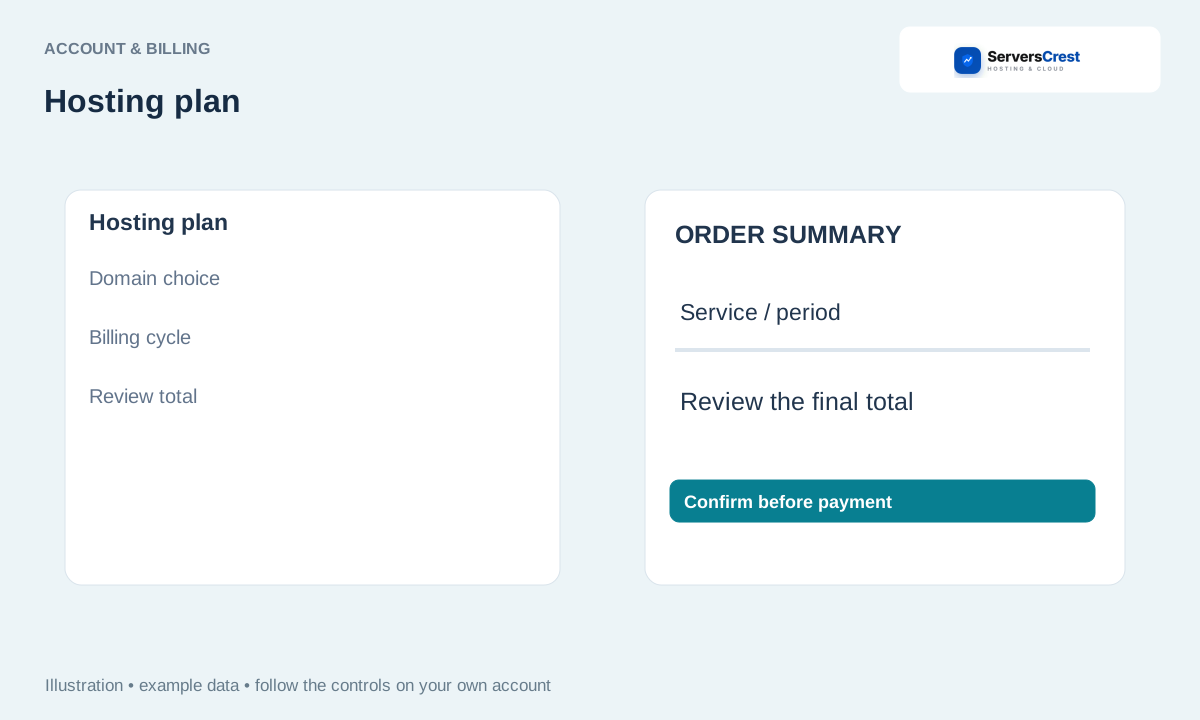
Select the service and billing period
Compare the service plans and select a billing cycle. Choose the plan you want and its order button. Check whether the displayed figure is a monthly price or the total for the chosen period.
Choose a domain option if it is shown: register, transfer or use an existing domain. Use an existing domain if you already own the name and only want hosting. Register a new domain if you also want to buy the name. A transfer moves its registration to us.
Review configuration, addons and discounts in the summary. Remove anything you do not want before continuing. Check the spelling of the domain; a spelling mistake can mean ordering a different name.
Sign in or complete the requested billing details and verification. If you already have an account, sign in rather than creating another one. Complete any verification displayed on the page.
Confirm the final price and follow the selected payment method. After submitting, check the invoice and the service in your account. If the page stops, check those records before placing another order.
Choose a browsing currency and review payment compatibility · Find and apply a promotion code · View and pay a ServersCrest invoice
Need help with this? Send us a ticket and tell us which page you reached and what happened.
