

Need the nameservers or IP for your hosting? Copy them from that hosting service in ServersCrest so you use the details assigned to your account.
Open this page on ServersCrest.
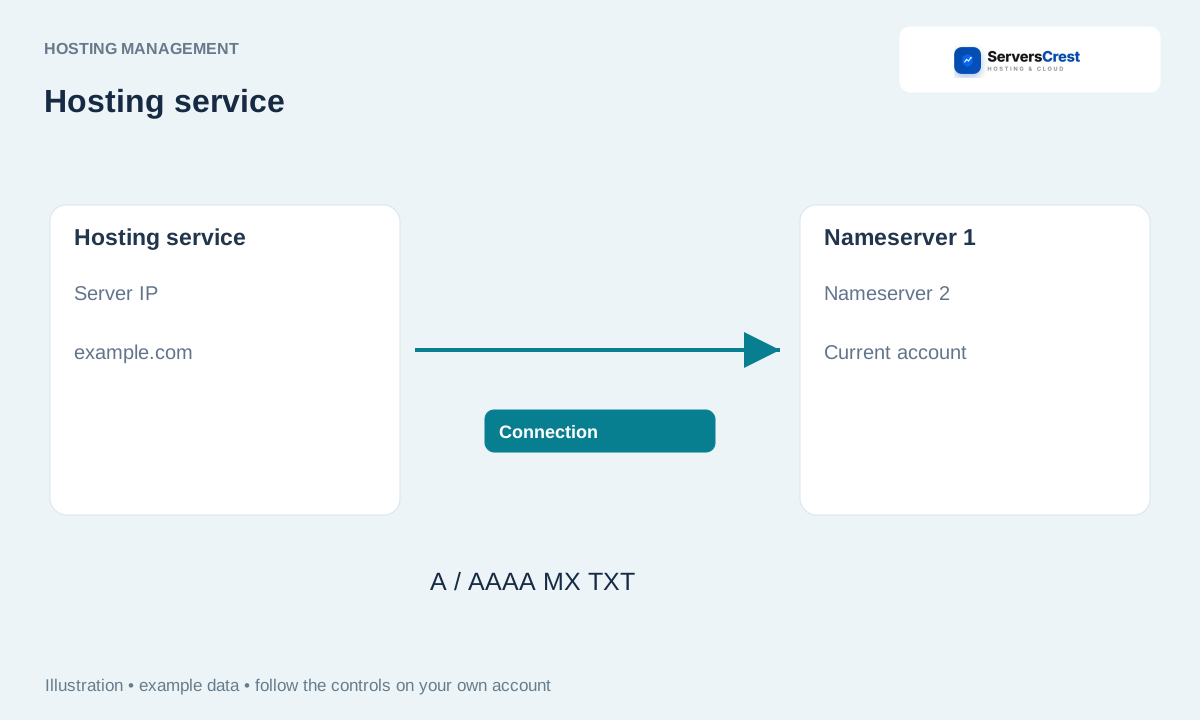
Find Server Information on product details
Open the service under My Services. Check the domain before you open its service details.
Find Server Information on the details page. This section shows the hosting address and nameservers. These are different: nameservers tell the domain where its DNS is managed; an IP points a record to a server.
Use the copy control beside the needed nameserver or IP. Copy one value at a time to avoid missing a character. Use the full nameserver name, not just the company name.
Enter the appropriate details at your domain registrar or DNS provider. If your domain already uses Cloudflare, keep its Cloudflare nameservers. Change the relevant DNS record there when you need to point to a hosting IP.
Log in to cPanel from your service page · Log in to DirectAdmin from ServersCrest
Need help with this? Send us a ticket and tell us which page you reached and what happened.
