

If you need a new password for your hosting control panel, change it on that hosting service. Your ServersCrest sign-in password will stay the same.
Open this page on ServersCrest.
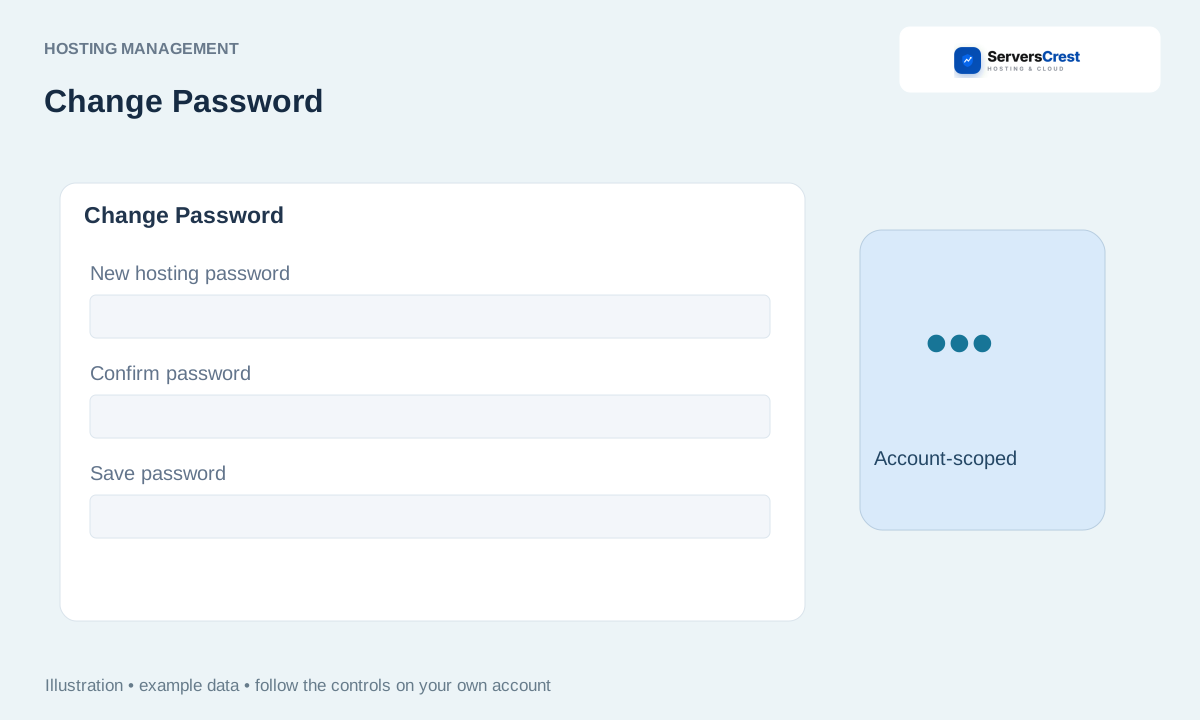
Open the service password action
Open the correct hosting service. Check the domain so you do not change another account by mistake.
Use Change Password if the action is offered. If Change Password is not offered for this service, ask support to help with that account.
Enter and confirm the new password, then save. Enter the same new password in both fields. Use a strong password and keep a private copy.
Check the result and update any FTP or other software using that hosting credential. Any FTP software or other connection using the old hosting password may need the new one. Mailboxes with their own passwords are managed separately.
Log in to cPanel from your service page · Log in to DirectAdmin from ServersCrest
Need help with this? Send us a ticket and tell us which page you reached and what happened.
