

The status beside your hosting service helps you decide what to do next. Open the service in My Services to check it.
Open this page on ServersCrest.
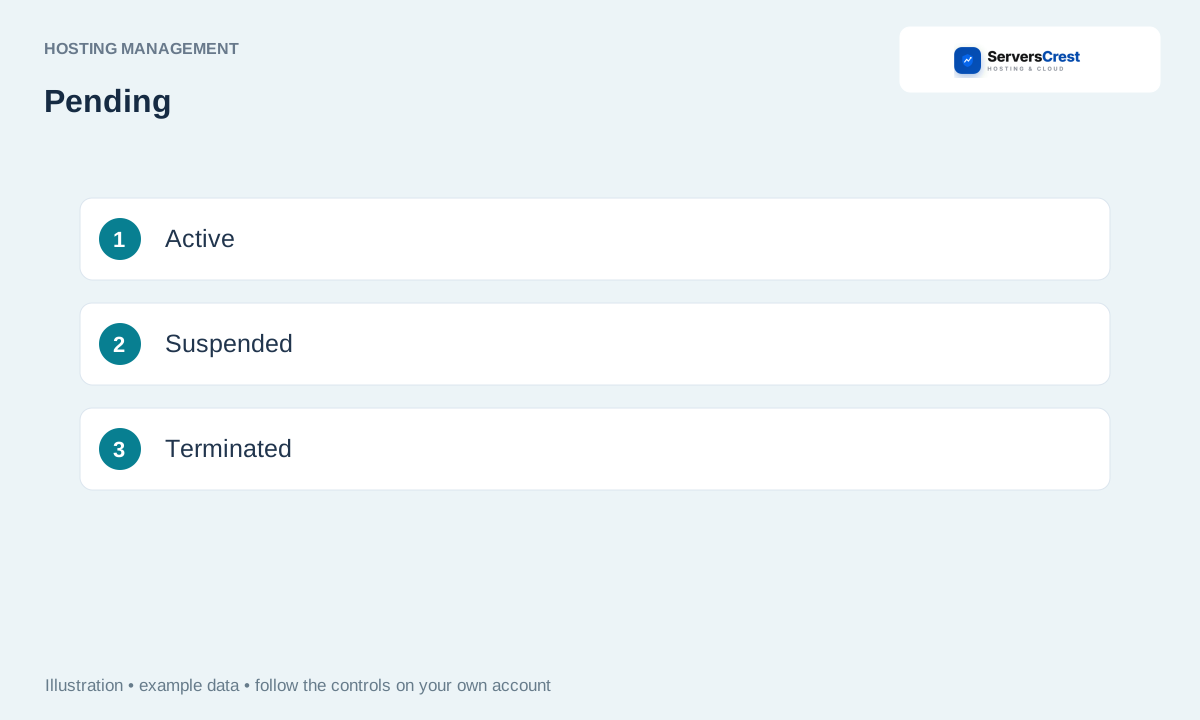
Read the status of the affected service
Open My Services and check the correct domain. Read the status on the hosting record, not just the status of a related invoice.
For Pending, check the order and payment status. Pending usually means the order still needs payment or setup. Open the order invoice and check whether it has been paid.
For Suspended, check billing and the stated reason before asking support. If there is an unpaid renewal invoice, check it first. If payment is up to date, ask support for the suspension reason.
For Cancelled or Terminated, ask about recovery before ordering a replacement. Do not assume the website files can be restored after termination. Ask support what remains available before making another purchase.
Log in to cPanel from your service page · Log in to DirectAdmin from ServersCrest
Need help with this? Send us a ticket and tell us which page you reached and what happened.
