

To create an address such as hello@yourdomain.com, open your hosting account on ServersCrest and use Email & webmail.
Open this page on ServersCrest.
Open Email & webmail
Sign in, open My Services and select your hosting account. Click Email & webmail. Check that the domain you want is listed on this hosting account. This guide uses the email tools in the ServersCrest cPanel workspace.
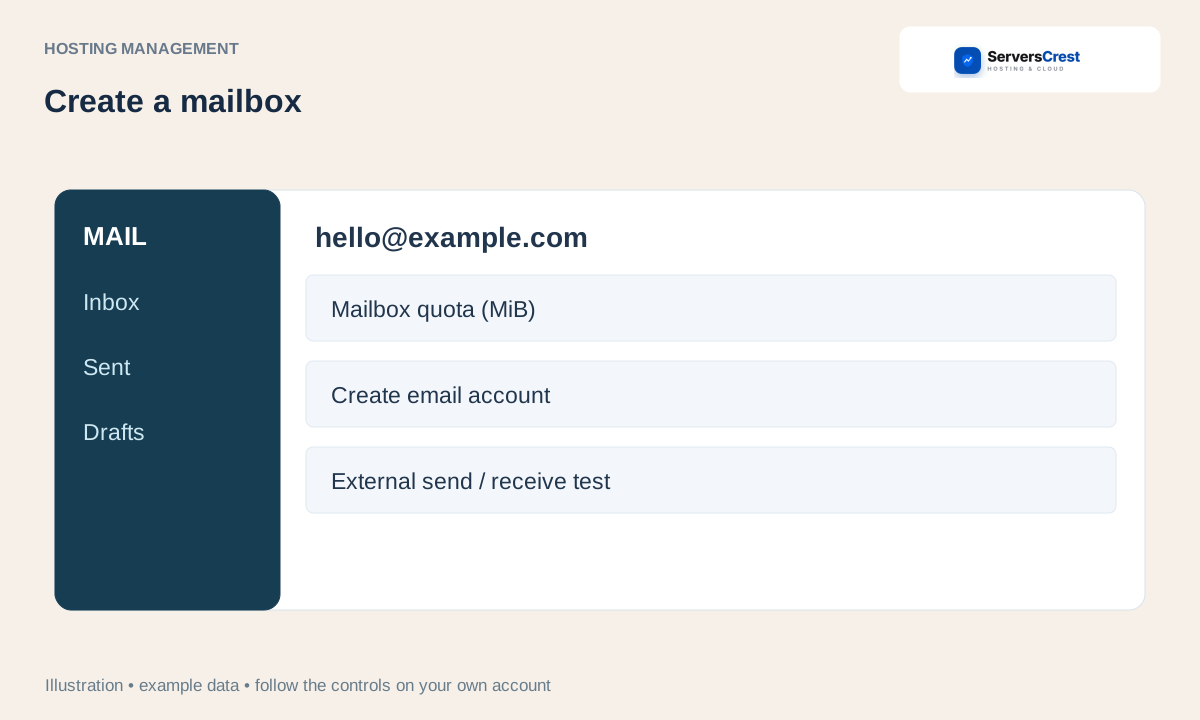
Under Create a mailbox, enter the Email address, a New mailbox password of at least 12 characters and the Mailbox quota in MiB. Use the full address in Email address. MiB is the space allowed for this mailbox; 1024 MiB is about 1 GiB. Use 0 only if your plan permits an unlimited mailbox.
Click Create email account. Wait for the new address to appear in the list. If the name already exists, open its options instead of trying to create it again.
Click Open webmail on the new mailbox row. Sign-in alone does not check mail delivery. Send a message to an address outside your domain, then reply to it.
The mailbox exists but mail does not arrive
Open webmail and try sending to an outside address, then reply back. If only receiving fails, ask support to check the domain mail routing and MX records. Creating the mailbox does not change DNS at another provider.
Log in to cPanel from your service page · Log in to DirectAdmin from ServersCrest
Need help with this? Send us a ticket and tell us which page you reached and what happened.
