

A domain transfer moves the registration from your current registrar to ServersCrest. It does not move the website files or email.
Open this page on ServersCrest.
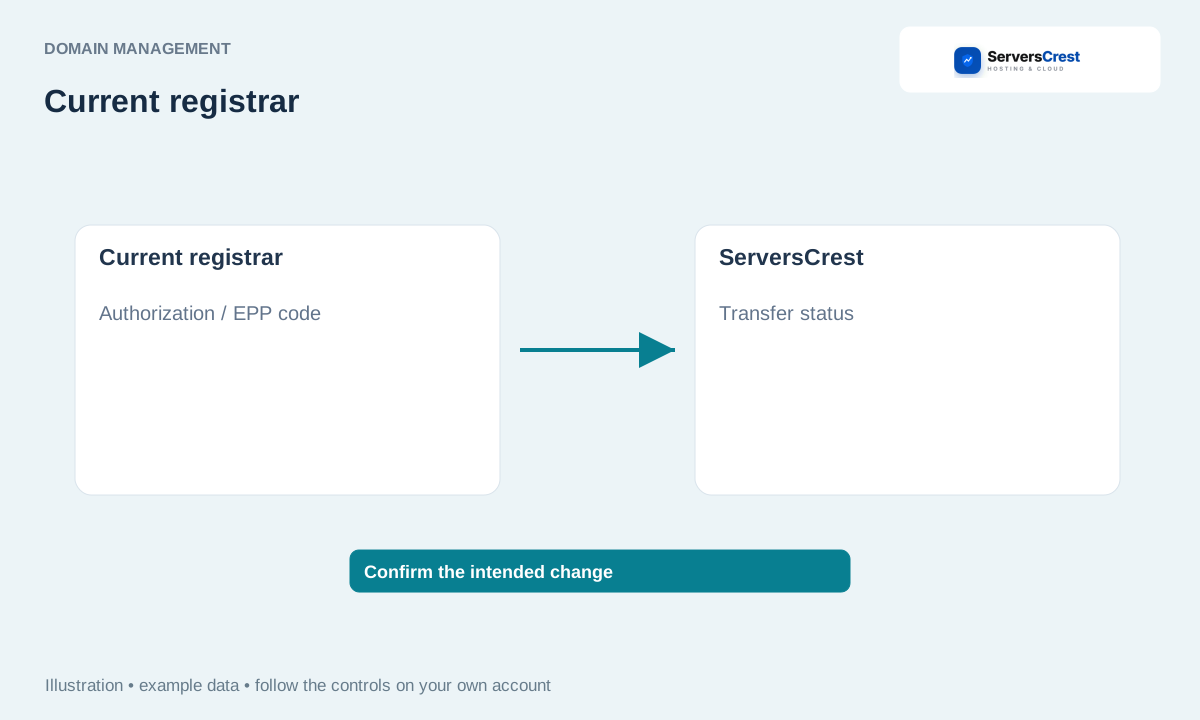
Prepare the domain at its current registrar
Ask the current registrar whether the domain is eligible. Check for a recent-registration or recent-transfer lock with the current registrar before ordering.
Unlock it and obtain its approval/EPP code where required. Copy the code exactly as supplied. Keep it private; it gives permission to request the transfer.
Open Transfer Domain and enter the requested details. Use the domain name you already own. If the form asks for the authorization code, enter the one from the current registrar.
Review the extension's price, period and contacts, then complete the order. Review the transfer terms for that extension, then sign in and pay the issued invoice.
Follow confirmation emails and check the domain's transfer status. Keep access to the old account and contact email until the transfer finishes. Leave working DNS in place if you want the website to keep running.
Search for and register a domain · Renew a domain and review auto-renewal
Need help with this? Send us a ticket and tell us which page you reached and what happened.
