

Use My Domains to change where a registered domain gets its DNS. Have the nameservers from your hosting or DNS provider ready.
Open this page on ServersCrest.
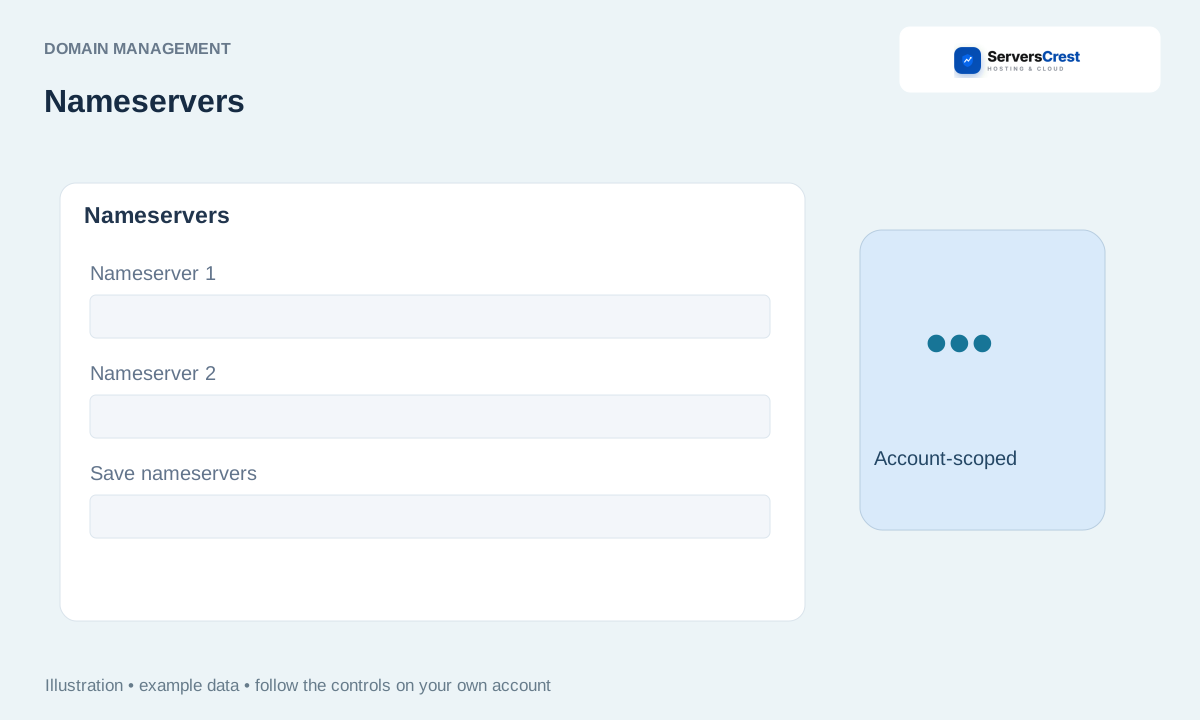
Open the domain nameserver controls
Open the registration under My Domains. This must be the domain registration in your account. Opening the hosting service is not the same as opening its registration.
Choose the nameserver management option. Read the current values before replacing them. Keep a copy if you may need to restore the old setup.
Enter the full hostnames supplied by your intended DNS provider and save. Enter names such as ns1.provider.example, not https:// addresses or hosting IPs. Replace the old entries with the complete set your provider supplied.
Recheck the saved values and allow public DNS time to update. A saved change can take time to appear everywhere. Check the website and email too, because both depend on the records at the new DNS provider.
Search for and register a domain · Transfer a domain registration to ServersCrest
Need help with this? Send us a ticket and tell us which page you reached and what happened.
