

Product reselling lets you sell ServersCrest hosting products from your own WHMCS. Your customers pay you; you pay ServersCrest for the linked services.
Open this page on ServersCrest.
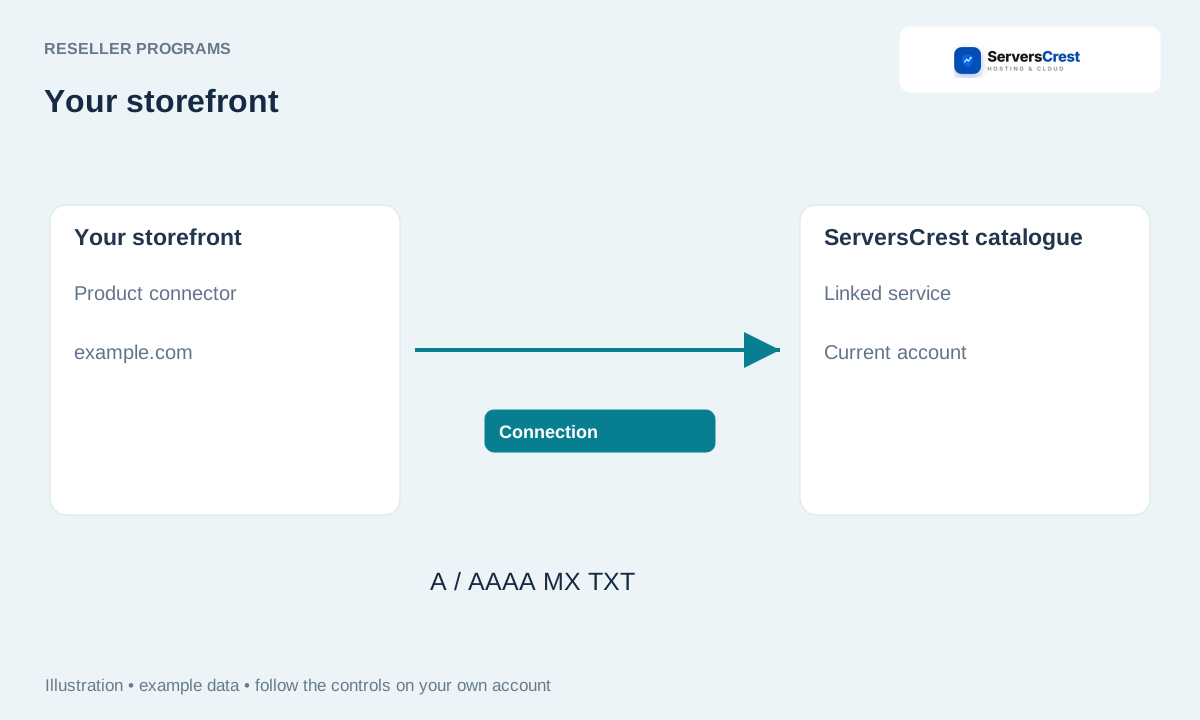
Open Product Reseller under My Account
Read Product Reseller, sign in and open its portal in My Account. Use the Product Reseller button in My Account after signing in.
Review Products available to resell and their billing cycles. Read the current cost for the billing cycle you will sell. Domain registrations use the separate Domain Reseller programme.
Open Connection settings, complete your profile and enable API access. Save your business details and API preference. The connector uses your API key to connect the two systems.
Install the downloaded connector in your own WHMCS. Use the package from your portal so you install the matching addon and server module.
Fund your account and review the first mapped order in both dashboards. Check the customer order in your WHMCS and its linked service in ServersCrest. Review both before offering the product publicly.
Apply to become a domain reseller · Connect your WHMCS to domain reselling
Need help with this? Send us a ticket and tell us which page you reached and what happened.
