

To sell ServersCrest products from your own WHMCS, download the connector from your Product Reseller area and connect it with your API URL and key.
Enable the connection in ServersCrest
Sign in and open Product Reseller in My Account. Click Connection settings.
In Your reseller profile, enter your Business name and Website. If you use Allowed server IPs, enter the outgoing IP of your WHMCS server. Ask its host for that IP if you are unsure; do not enter your home internet IP.
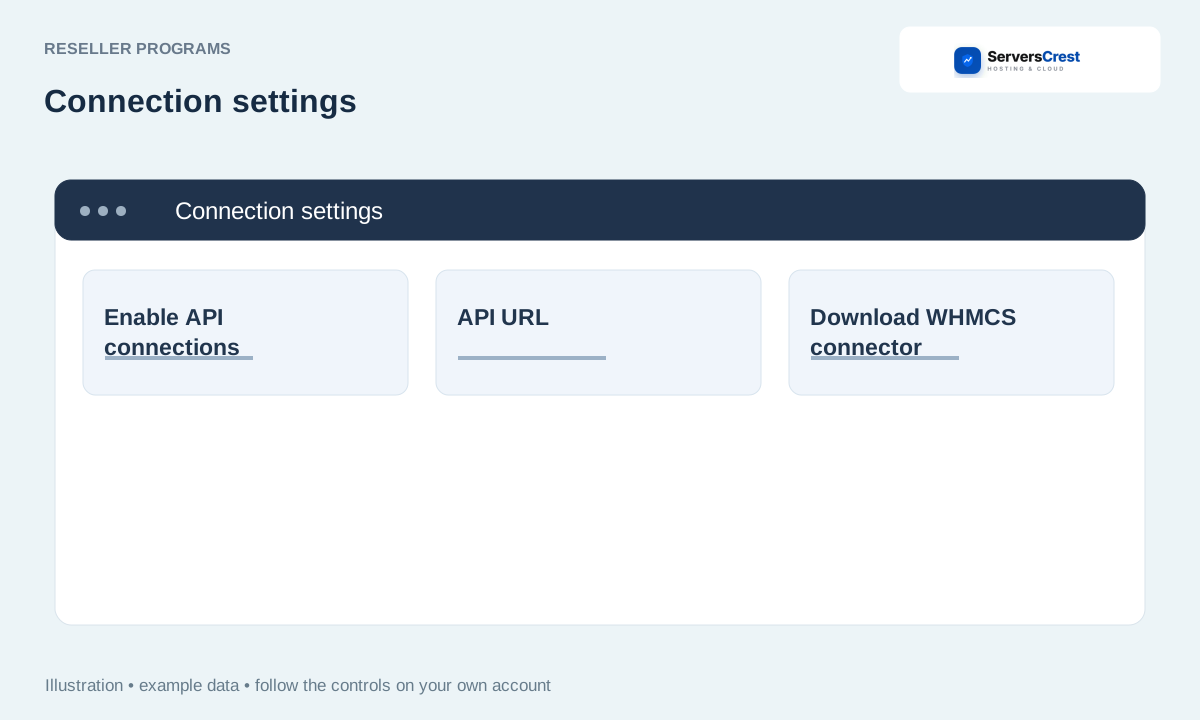
Tick Enable API connections and click Save profile & API preferences.
Install the connector on your own WHMCS
Under Connect your WHMCS, copy the API URL. Expand Show my generated API key and save the key privately.
Click Download WHMCS connector. Extract the package and follow its installation file on your own WHMCS. Install both the addon and the provisioning module, keeping their folder structure.
Enter the supplied URL and key in the connector settings, then fetch the product catalogue. Review each product and choose your retail prices before making it available to customers.
Check what your reseller account can do
Back in ServersCrest, read Your enabled permissions. These are the actions we have enabled for your reseller account; the connector cannot add permissions on its own.
Check your balance before sending a paid order. After an order, match the domain and reference in your WHMCS with the service shown in ServersCrest.
The connector cannot authenticate
Recheck the URL, the key and any allowed IP restriction. If you generated a replacement key, save that replacement in your WHMCS too; the old key no longer works. Do not paste the key into a support screenshot.
Apply to become a domain reseller · Connect your WHMCS to domain reselling
Need help with this? Send us a ticket and tell us which page you reached and what happened.
