

If a reseller order has insufficient balance, open the invoice attached to that order. Do not create another order for the same customer.
Open this page on ServersCrest.
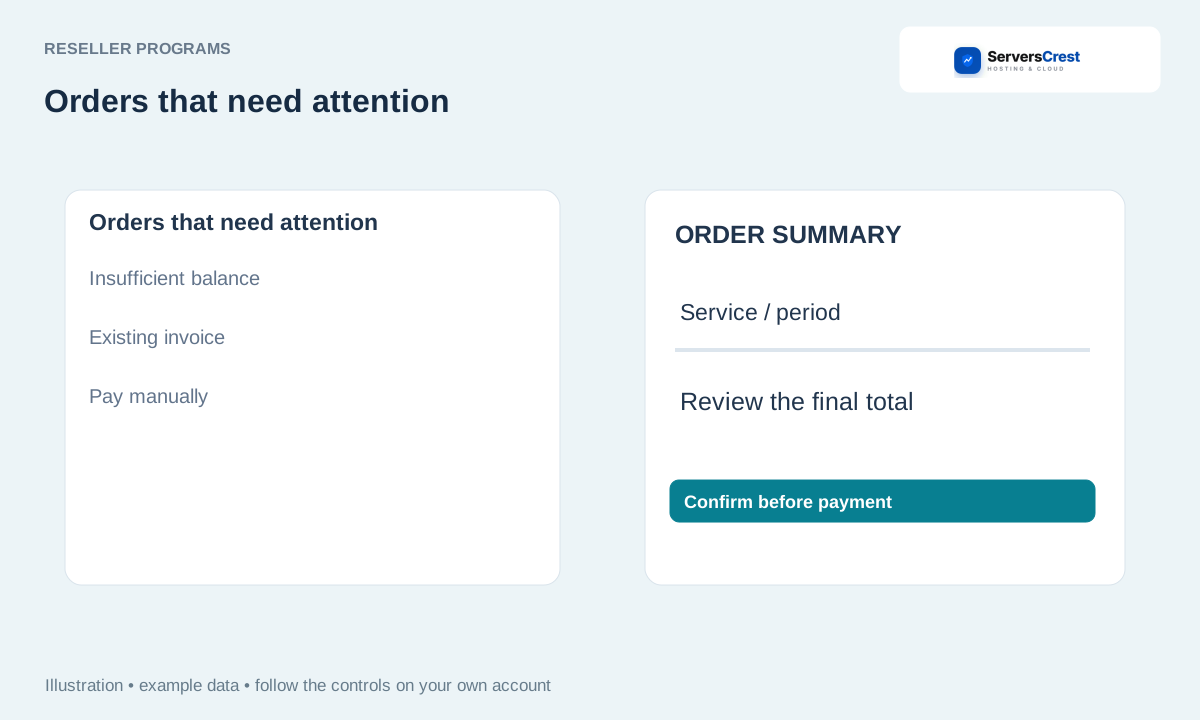
Find Orders that need attention
Open Orders that need attention in Product Reseller. Find the order using the domain or reference from your own WHMCS.
Find Insufficient balance pay manually. This message means the operation needs payment before it can proceed.
Choose View / pay invoice and check the service and total. Check that this invoice belongs to the order you are trying to complete.
Pay the existing invoice, or follow funding and same-action retry instructions. Follow the payment or funding option shown for this operation. Keep its reference if you need to retry.
Check that same operation and its linked service after payment. If the invoice is Paid but the operation is still waiting, ask support to check that reference before submitting another purchase.
Apply to become a domain reseller · Connect your WHMCS to domain reselling
Need help with this? Send us a ticket and tell us which page you reached and what happened.
