

Use Ask ServersCrest if you need help finding a feature, understanding a bill or choosing a service. Tell the chat what you are trying to do.
Open this page on ServersCrest.
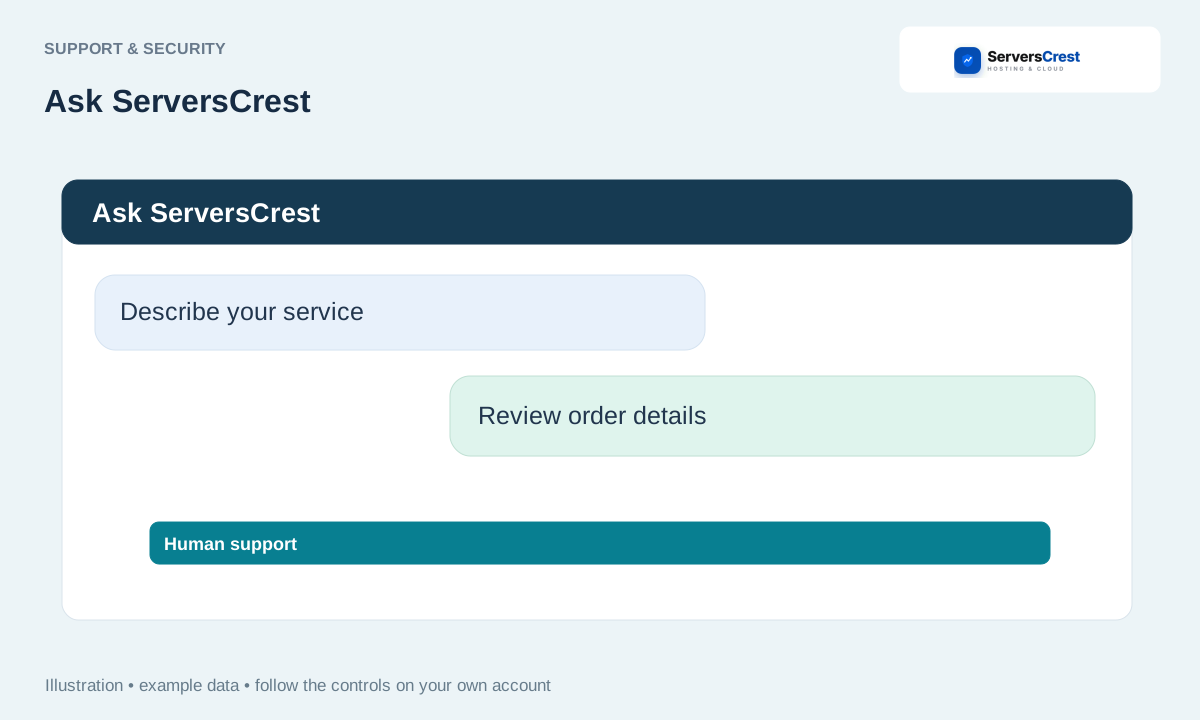
Open Ask ServersCrest
Open the chat and describe your goal in plain language. For example, say: I want to open cPanel for mydomain.com. That is more useful than only saying it does not work.
Name the affected service or domain without sharing secrets. Give the domain and the error message, but keep passwords and API keys private.
For assisted ordering, sign in and review the plan, period, domain and price. If you want help ordering, check that you are signed in to the account that should own the service.
Confirm only after checking the normal checkout details. Read the plan, domain, billing cycle and total yourself before approving the order. Complete payment through the normal checkout.
Use Human support or Open ticket when a person is needed. Use Problem Solver for the supported account checks, or choose Human support if you want a person.
Review your account security settings · Use Problem Solver with your permission
Need help with this? Send us a ticket and tell us which page you reached and what happened.
