

Problem Solver is inside Ask ServersCrest. It can inspect supported cPanel account information with your permission and explain the problem it finds. It does not have permission to change everything on your server.
Choose the account with the problem
Sign in, open Ask ServersCrest and choose Problem Solver. Select the hosting service that has the problem.
Tell it the domain you mean. If the problem is on an addon domain, say so. It checks that the domain belongs to the selected account before inspecting anything.
Read the inspection request and approve it if you agree. Inspection permission lasts 30 minutes. Read the findings to see whether the issue is storage, a supported log or something that needs support.
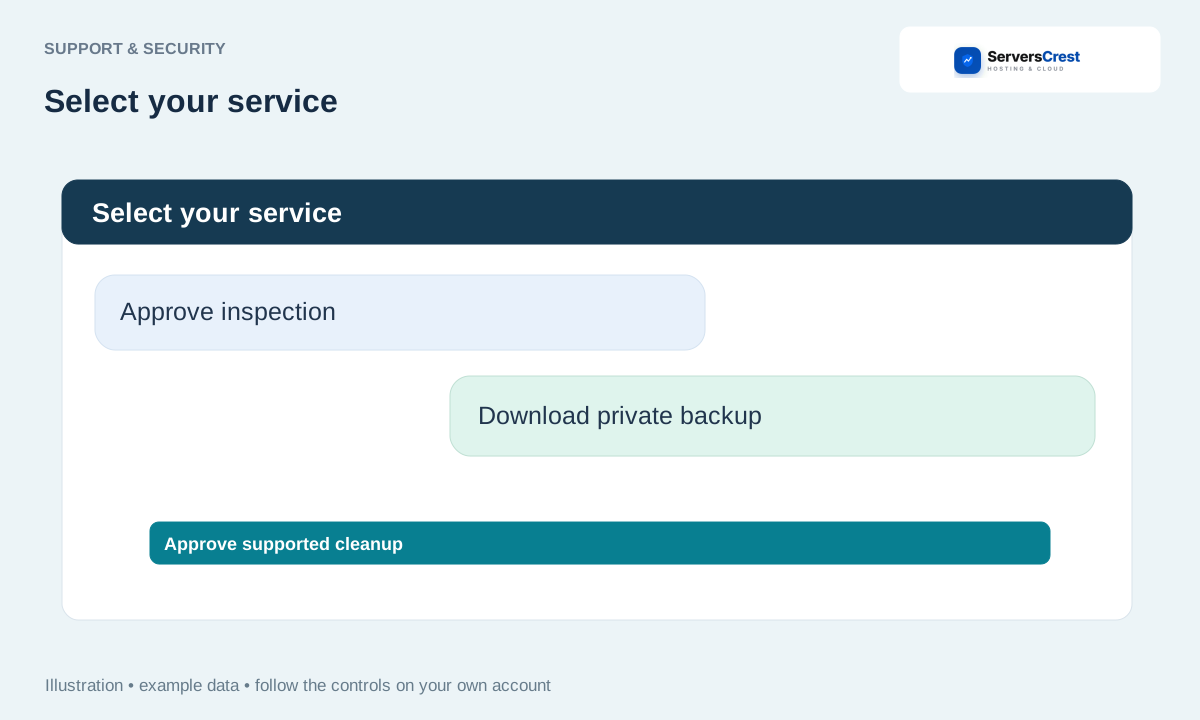
Download the backup before approving a cleanup
For a supported archived text log, use the offered private backup download. Click the download link and wait until the file is saved on your computer.
Find the file in your downloads and keep it. Only then confirm that you have saved the copy. Preparing a link alone does not mean you have a backup.
Read the exact file it proposes to clear. Give the separate cleanup approval only if that is the file you intended to change.
Try the task again
Read the result. Problem Solver checks whether the supported log was cleared before reporting that action as complete.
Try the upload or other task that failed originally. If it still fails, tell support what happened and what the inspection found. You can revoke permission when you finish.
It cannot offer the change you need
The automatic cleanup is limited to supported small archived text logs. It does not delete live logs, clear databases, reinstall scripts, increase quotas or run arbitrary VPS commands. If the backup is too large for the offered download, use cPanel to save the needed files and ask human support for the next step.
Check hosting storage before deleting data · Manage website files from your service · Switch from AI to human support
Need help with this? Send us a ticket and tell us which page you reached and what happened.
