

The Website Generator helps you create a starting website. You still need to check its content and put the downloaded files on your hosting.
Open this page on ServersCrest.
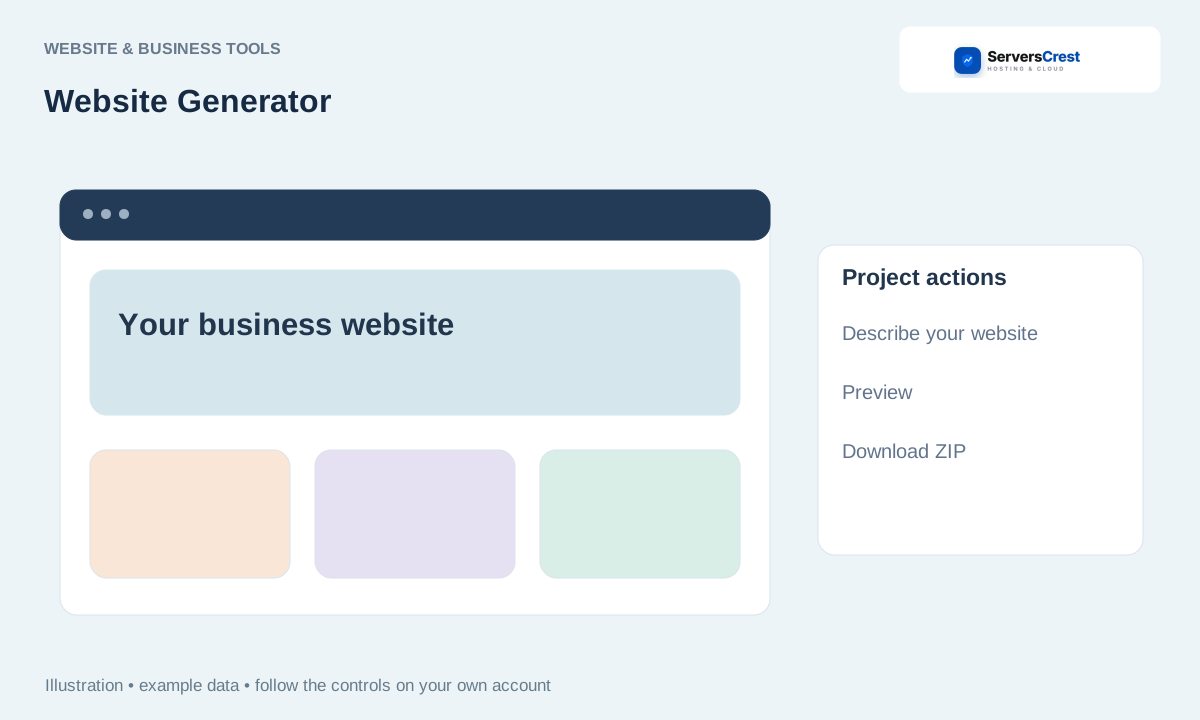
Describe the website and select a style
Sign in when requested and describe the business and pages. Tell it your business name, what you do and the pages you need. Use the contact details you actually want visitors to see.
Choose a style and generate. Keep the page open while it generates. Choose a style you can read comfortably on a phone as well as a computer.
Review the preview and correct inaccurate content. Replace sample contact details and check every claim about your business. Click the preview links to see where they lead.
Download the HTML or ZIP. If you download a ZIP, extract it before uploading the website files. Keep a local copy so you can change it later.
Upload extracted files to the correct hosting document root and test. Back up any existing site before replacing it. Test links, images and contact forms; a generated page does not automatically supply a working form backend.
Create and download a logo concept · Track a professional website project
Need help with this? Send us a ticket and tell us which page you reached and what happened.
