

Use Ads Creation to request an advertising campaign, then follow it from My Ad Campaigns in your account.
Open this page on ServersCrest.
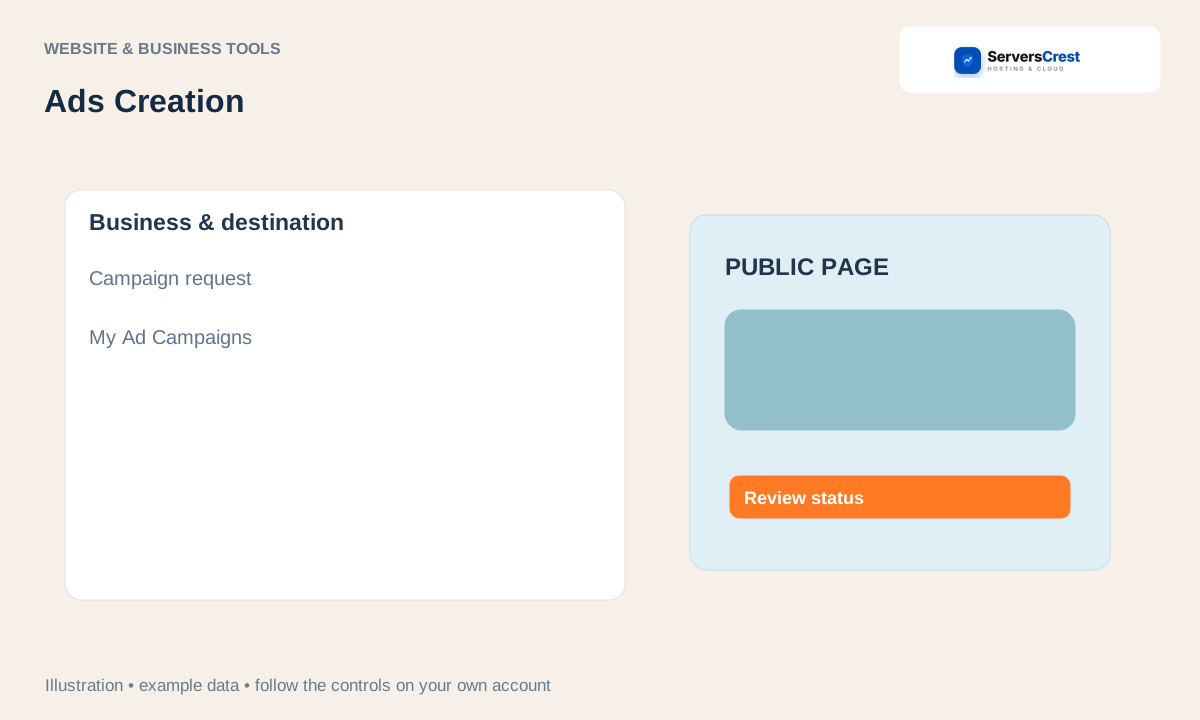
Open Ads Creation and select an offer
Review the current package and platform options. Check what the package includes and which advertising platform it covers before choosing it.
Provide the required business, destination and campaign information. Provide the correct landing-page URL and clear details about what you want to promote. Check that the page opens on a phone.
Check the amount and complete the invoice. Keep the campaign and invoice references. Payment starts the agreed process; it does not prove an advert is already running.
Use My Ad Campaigns to review status or pay a pending invoice. Read any request for more information or approval on the campaign.
Contact support with the campaign number for changes. Tell support what you want changed before making another purchase. Advertising delivery and results depend on the agreed campaign and platform approval.
Create and download a logo concept · Generate, preview and download a website
Need help with this? Send us a ticket and tell us which page you reached and what happened.
