

Here is how to choose cPanel Shared Hosting on ServersCrest and find your service after ordering.
Choose a plan with enough space for your website, databases and mail. Use the comparison on the page to check the limits, not just the price.
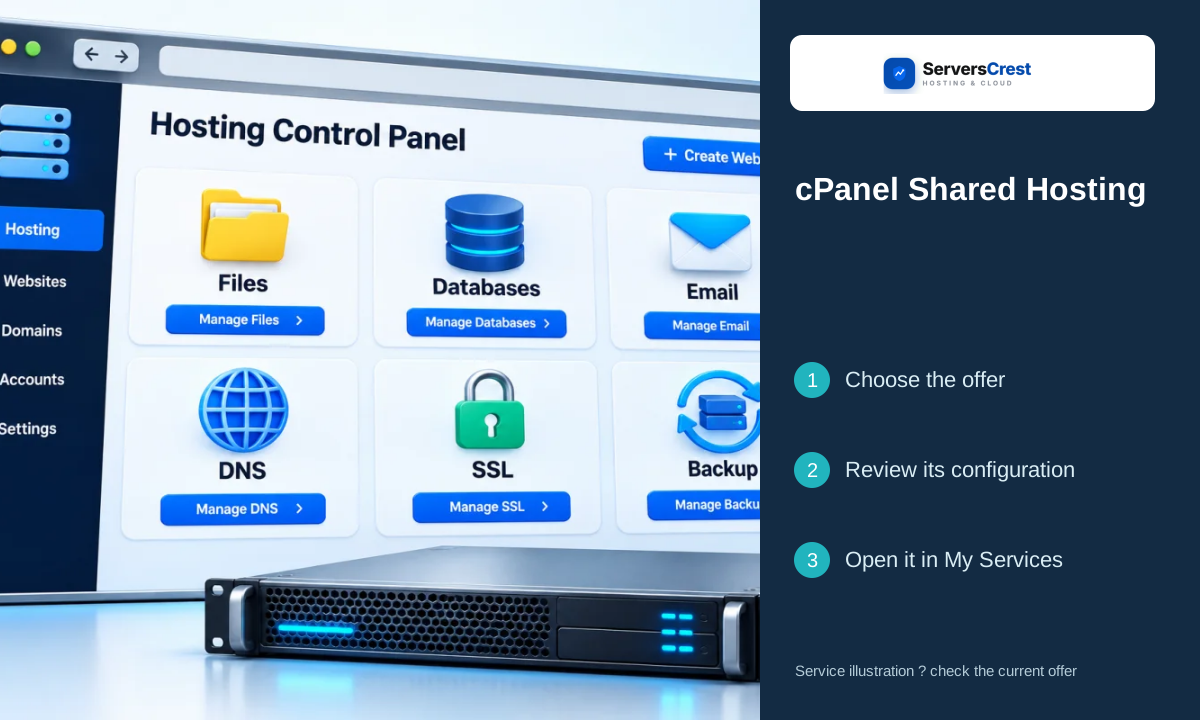
Plans you can choose:
- BizCP1
- BizCP2
- BizCP3
Open the service page to compare current prices and what each plan includes.
Choose your cPanel Shared Hosting order
Open the cPanel Shared Hosting page on ServersCrest. Compare the current choices and select the plan or request option you want.
For a domain you already own, choose the existing-domain option. You can keep its registration with the current registrar.
Check the product name, billing period, currency and total in the order summary. Sign in to the ServersCrest account that should own this service, then follow the payment instructions.
Find your cPanel Shared Hosting service
Open My Services, select the new hosting and click Log in to cPanel. Use File Manager for your website files, and check the assigned nameservers or IP before pointing the domain.
If you are moving an existing website, keep the old hosting working until you have copied and tested the site.
Choosing cPanel WordPress Hosting · Choosing VPS Server plans
Need help with this? Send us a ticket and tell us which page you reached and what happened.
