

Here is how to choose WHM Reseller Hosting on ServersCrest and find your service after ordering.
Choose WHM Reseller when you want to create and manage customer cPanel hosting accounts. Check the account and resource limits on the selected plan.
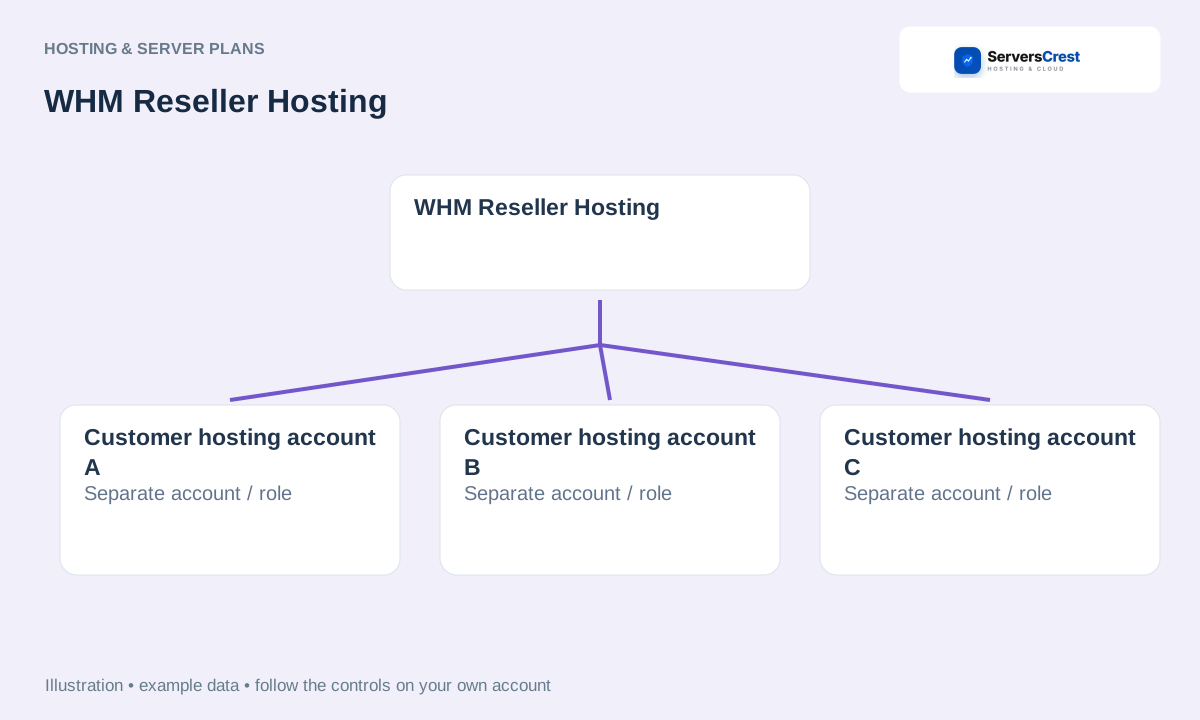
Plans you can choose:
- cPanel Reseller Starter
- cPanel Reseller Growth
- cPanel Reseller Scale
Open the service page to compare current prices and what each plan includes.
Choose your WHM Reseller Hosting order
Open the WHM Reseller Hosting page on ServersCrest. Compare the current choices and select the plan or request option you want.
Select the WHM reseller plan, billing cycle and requested domain details. Do not choose Master or Alpha unless you need those reseller levels.
Check the product name, billing period, currency and total in the order summary. Sign in to the ServersCrest account that should own this service, then follow the payment instructions.
Find your WHM Reseller Hosting service
Open the service under My Services and read the WHM access details. Sign in to the supplied panel and review your limits before creating customer packages.
A WHM reseller plan is different from the Product Reseller API. Use the API programme if you want orders in your own WHMCS to buy individual ServersCrest products.
Choosing Master Reseller Hosting · Choosing Alpha Reseller Hosting · Start reselling ServersCrest products
Need help with this? Send us a ticket and tell us which page you reached and what happened.
