

Here is how to choose Business Email on ServersCrest and find your service after ordering.
Choose the mailbox package for your team. Read the user and storage allowances and check which domain you will use.
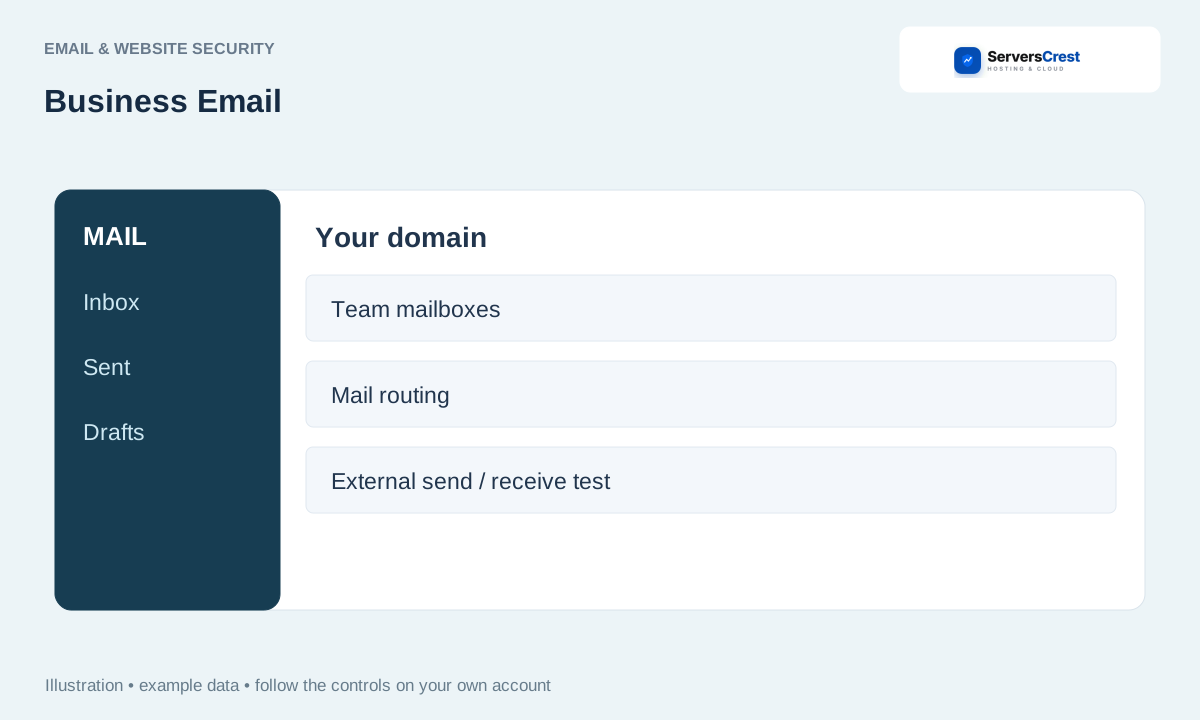
Plans you can choose:
- Business Email Lite
- Business Email Pro
Open the service page to compare current prices and what each plan includes.
Choose your Business Email order
Open the Business Email page on ServersCrest. Compare the current choices and select the plan or request option you want.
Enter the domain and any mailbox or user count requested in the order. If you already use that domain for mail, plan the change before switching records.
Check the product name, billing period, currency and total in the order summary. Sign in to the ServersCrest account that should own this service, then follow the payment instructions.
Find your Business Email service
Open the email service in My Services and follow its mailbox and domain setup instructions. Add the supplied mail records at the provider that currently manages your DNS.
Test sending to an outside address and receiving a reply. Buying a mailbox does not by itself move old email messages.
Choosing Enterprise Email · Choosing Google Workspace
Need help with this? Send us a ticket and tell us which page you reached and what happened.
