

Use Resync DNS after your hosting DNS changes, such as when your hosting IP changes. ServersCrest compares the hosting records with Cloudflare and lets you review what it wants to update.
Open the DNS change preview
Sign in, click My Services and open the hosting account. Click Manage Cloudflare, then Resync DNS.
Read the DNS change preview. For each row, check the record type, name and value. For an IP change, check that the proposed address is the new hosting IP.
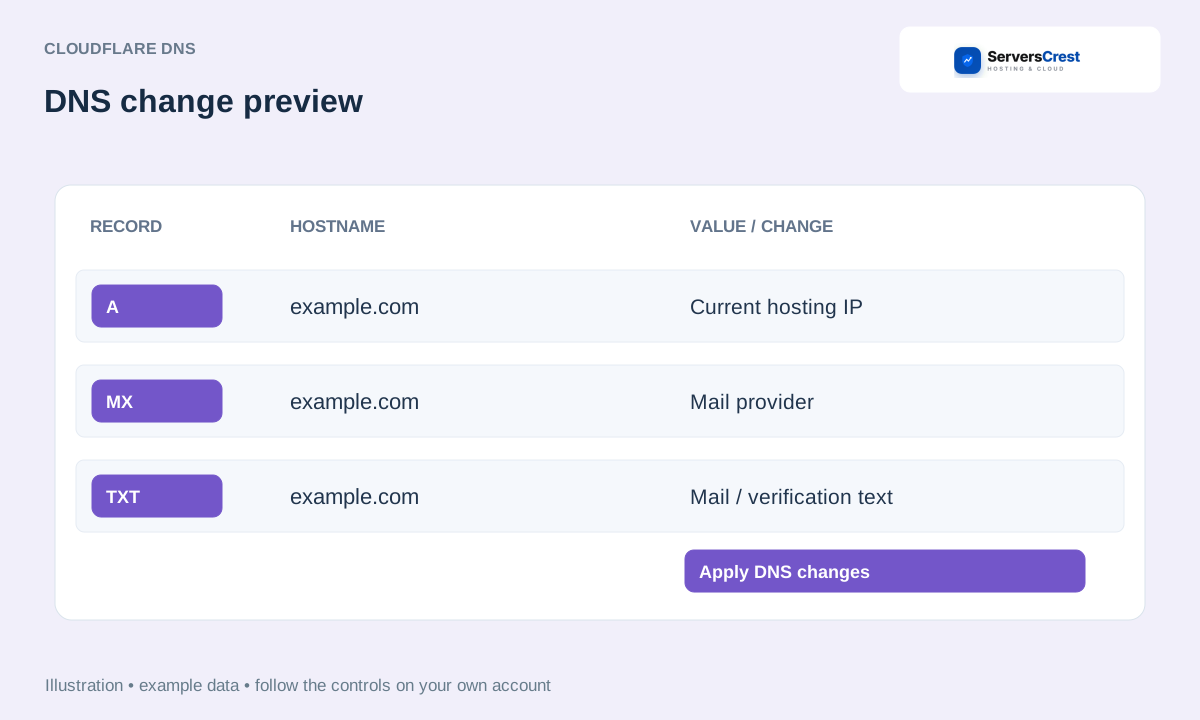
Apply the records you have checked
If the preview shows the old IP, stop and ask support to check the hosting DNS first. Resync copies from hosting to Cloudflare; it cannot discover an address that is missing from the hosting records.
If a conflict appears, check whether you or someone else changed that record in Cloudflare. Resolve the difference with support if needed, then use Refresh preview.
When the preview is correct and there are no blocking conflicts, click Apply DNS changes. Wait for the result rather than starting another sync.
Test the affected website or email
Check Last verified sync, then open the website or test the email affected by the changed records. Public DNS can still show a cached value for a while.
For example, if only the website IP changed, check the website A record carefully and leave unrelated mail settings alone.
A record is still wrong
Send support the domain, record name and the value shown in the preview. Explain whether you changed it directly in Cloudflare. That helps us check which value you intended to keep.
Pause or resume automatic Cloudflare sync · Disconnect Cloudflare sync when moving hosting · Find and copy hosting nameservers and IP addresses
Need help with this? Send us a ticket and tell us which page you reached and what happened.
